

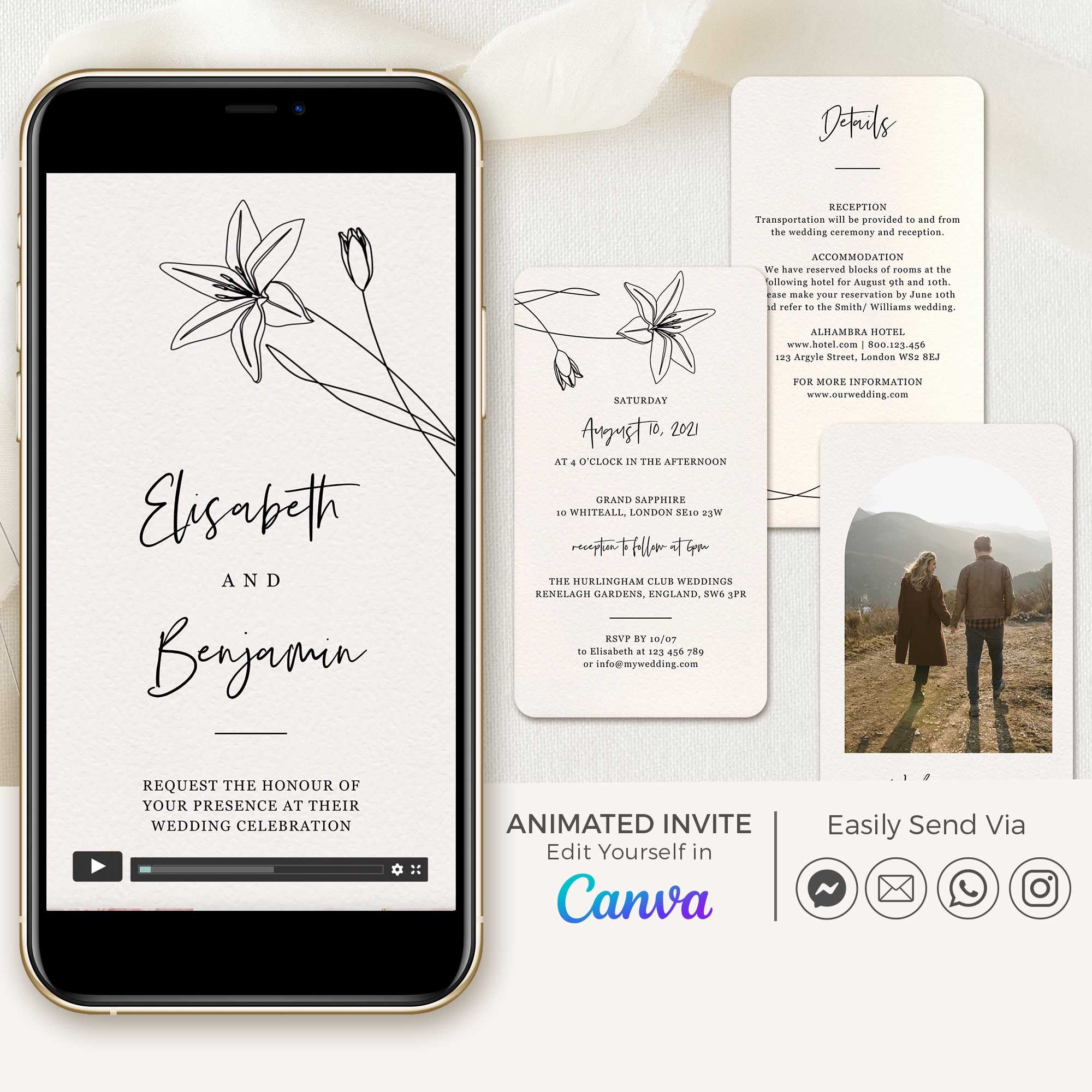




GIGLIOLA Wedding Invitation Video
✓ Instant delivery ✓ Easy Canva editing
✓ Add your own music ✓ 4.9★ 700+ customers


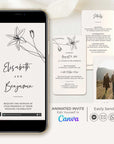
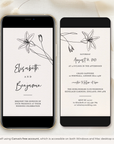
A minimalist line art animated wedding invitation — delicate botanical illustrations, elegant script, and a soft neutral palette that feels timeless and refined.
Beautifully suited for modern, minimalist, and garden-inspired weddings. Edit it yourself in Canva and share instantly with guests anywhere in the world.
- Easy to Personalise Edit your invitation in Canva using a free account — no design experience needed.
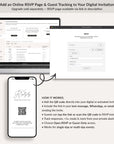
- Send Instantly Download your video and share it via WhatsApp, email, or social media in minutes.
- Works on Any Device Edit and share from your phone, tablet, or desktop — whatever works for you.
- No Software Required Everything is done inside Canva — free to use, nothing to install.
- Perfect for Destination Weddings Share with guests anywhere in the world, instantly.
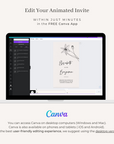
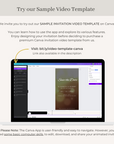
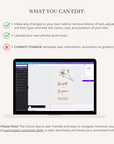
This template is fully editable in Canva using a free account.
You can easily:
- Edit names, dates, and all wording
- Add, remove, or rearrange text blocks and pages
- Change font style, size, colour, and position
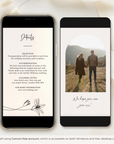
- Add your own photos and background music
Please Note – The animation, graphics, template size, and orientation are fixed to preserve the original design. Envelope, card, and background colours are part of the design; text colour is fully customisable.
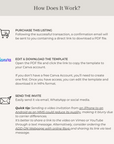
- Purchase & Access Check your email for a PDF with your unique Canva template link.
- Copy & Edit Open the link, copy the template to your free Canva account, and personalise your details.
- Download & Share Download your finished invitation as an MP4 video and share via WhatsApp, email, or social media.
Do I need Canva experience? No — the template is beginner-friendly and easy to edit using a free Canva account.
Do I need a Canva Pro account? No — the free version is all you need.
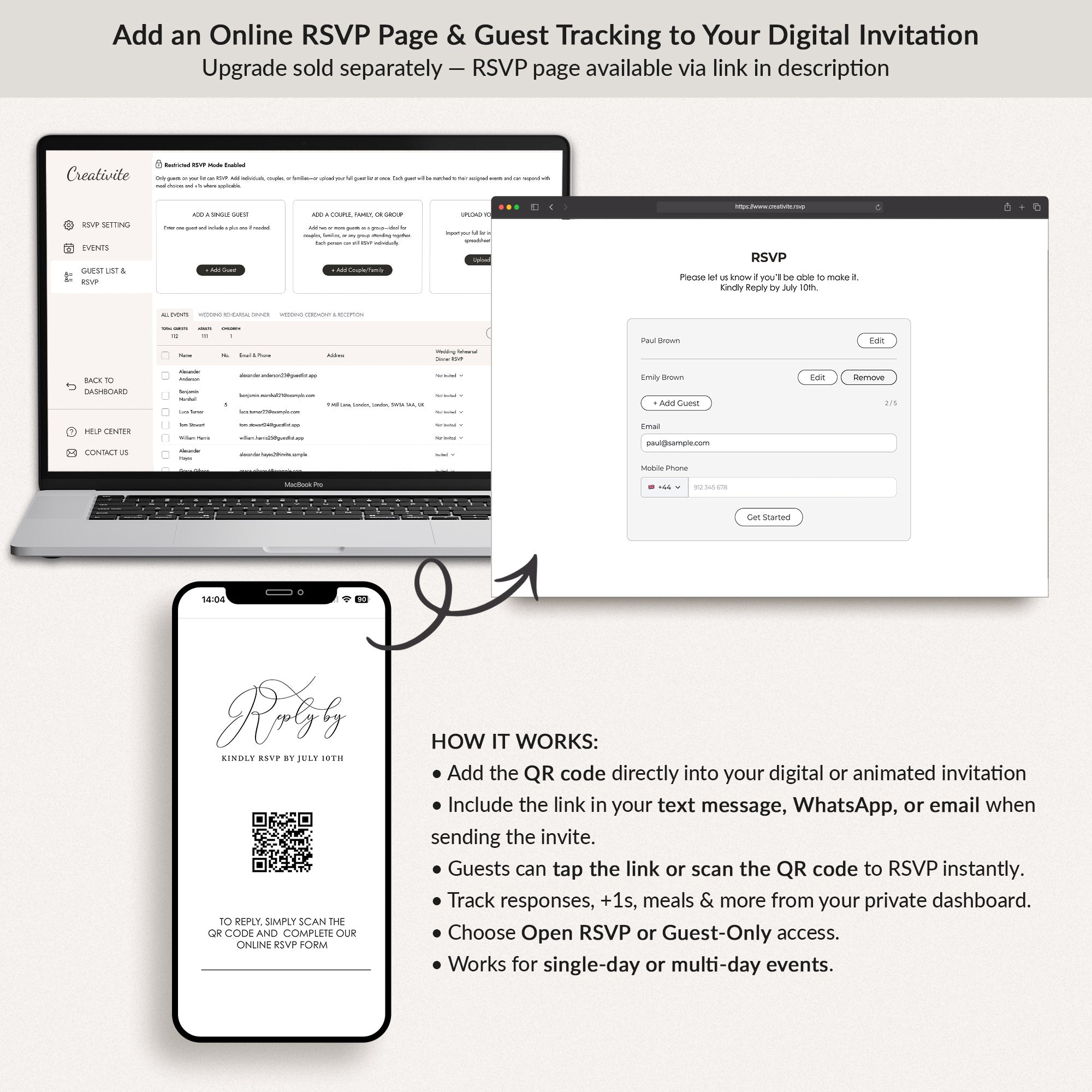
How do I share the video with guests? Download your MP4 and send it via WhatsApp, email, or share directly to social media. For text messaging, upload to YouTube or Vimeo and share the link instead.
Can I edit on my phone? Yes — Canva works on desktop, tablet, and smartphone.
Can I change the animation, colours, flowers, envelope or graphics? Each design is carefully crafted as a complete, cohesive look — the animation, graphics, colours, and layout are intentionally fixed to preserve the beautiful aesthetic you see.
What if I need help? We're here. Send us a message and we'll get back to you within 24 hours.