

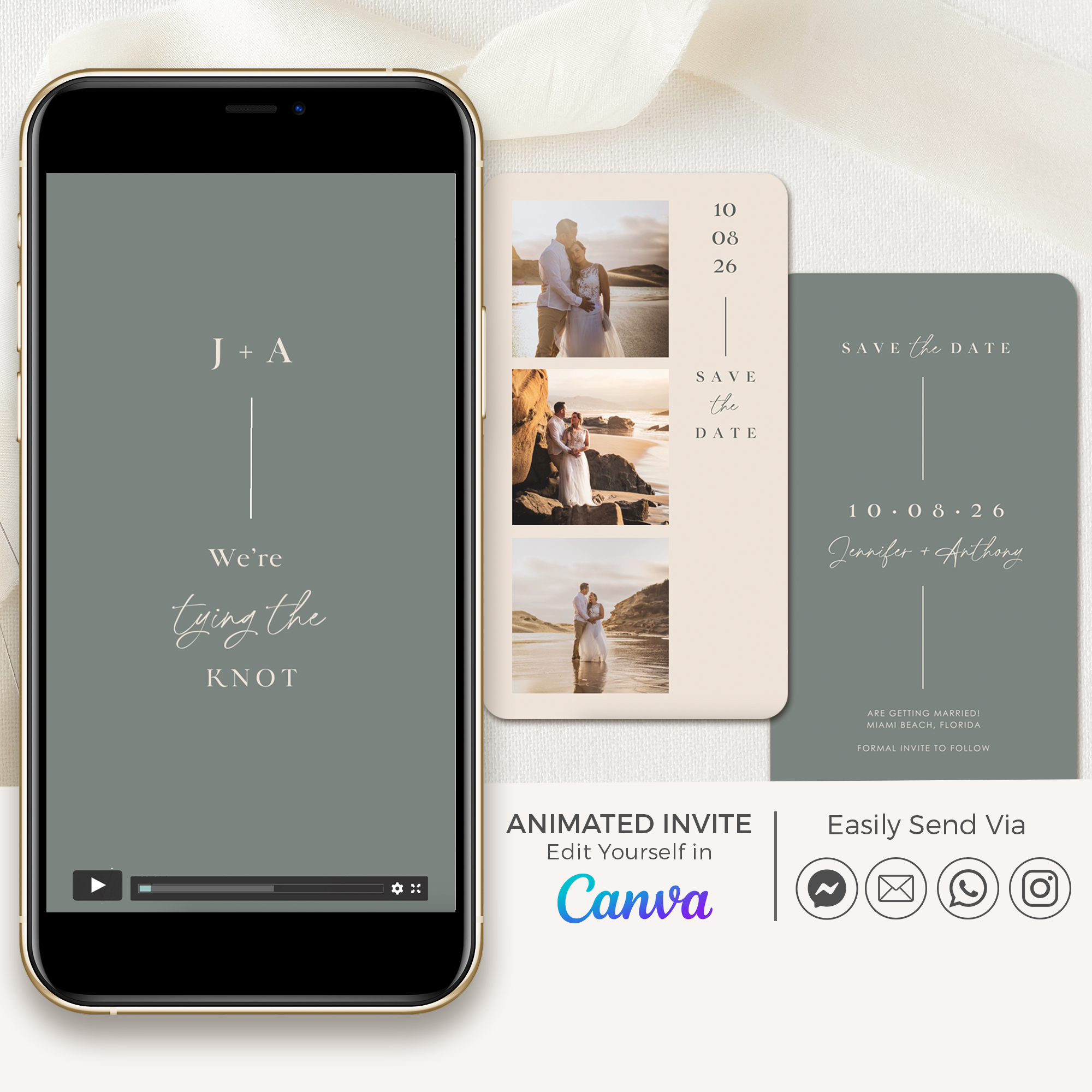
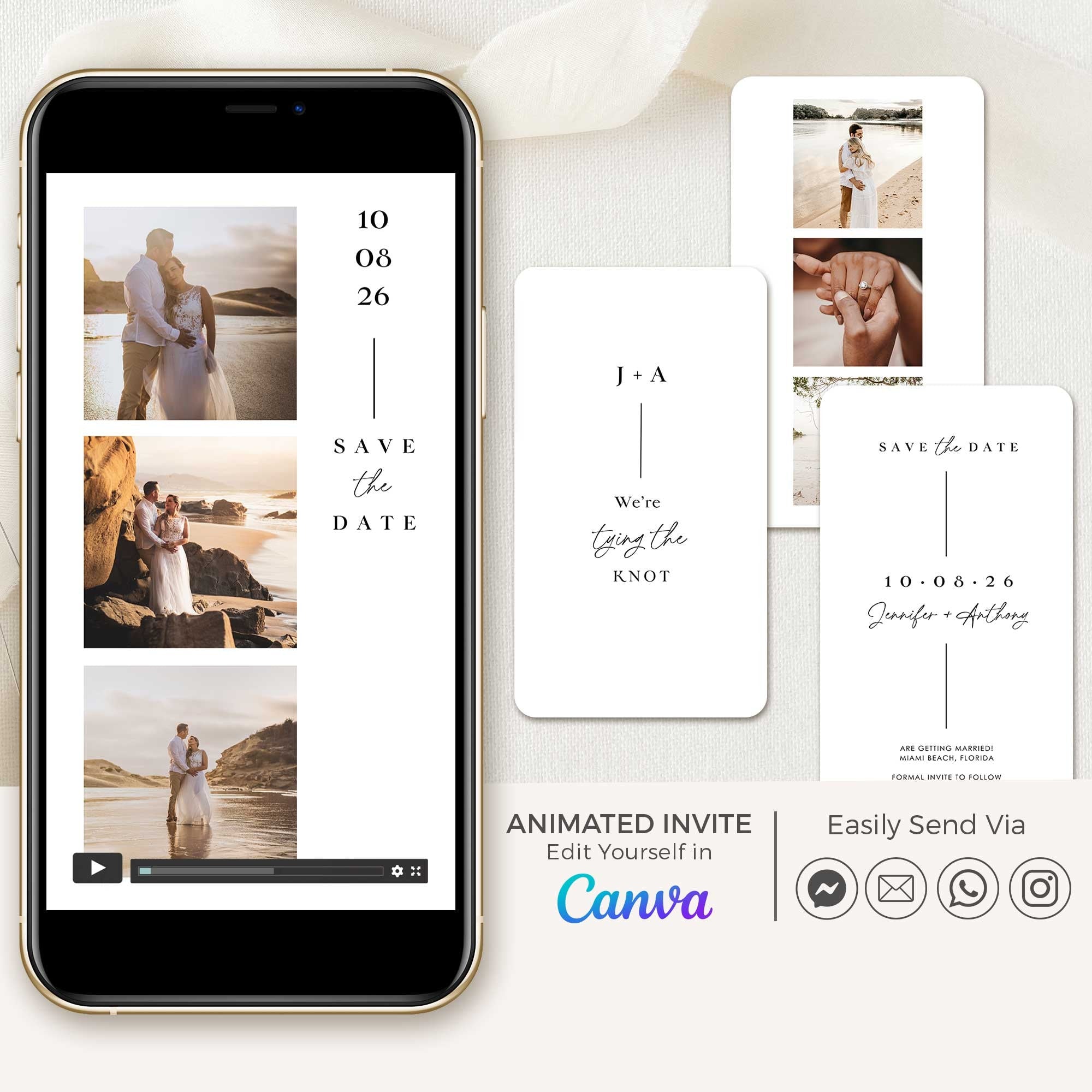
Animated save the date videos designed for couples who want a beautiful, modern way to share their wedding date instantly.
Fully editable Canva templates — personalise with your own photos and details, then send via WhatsApp, email, or social media in minutes.
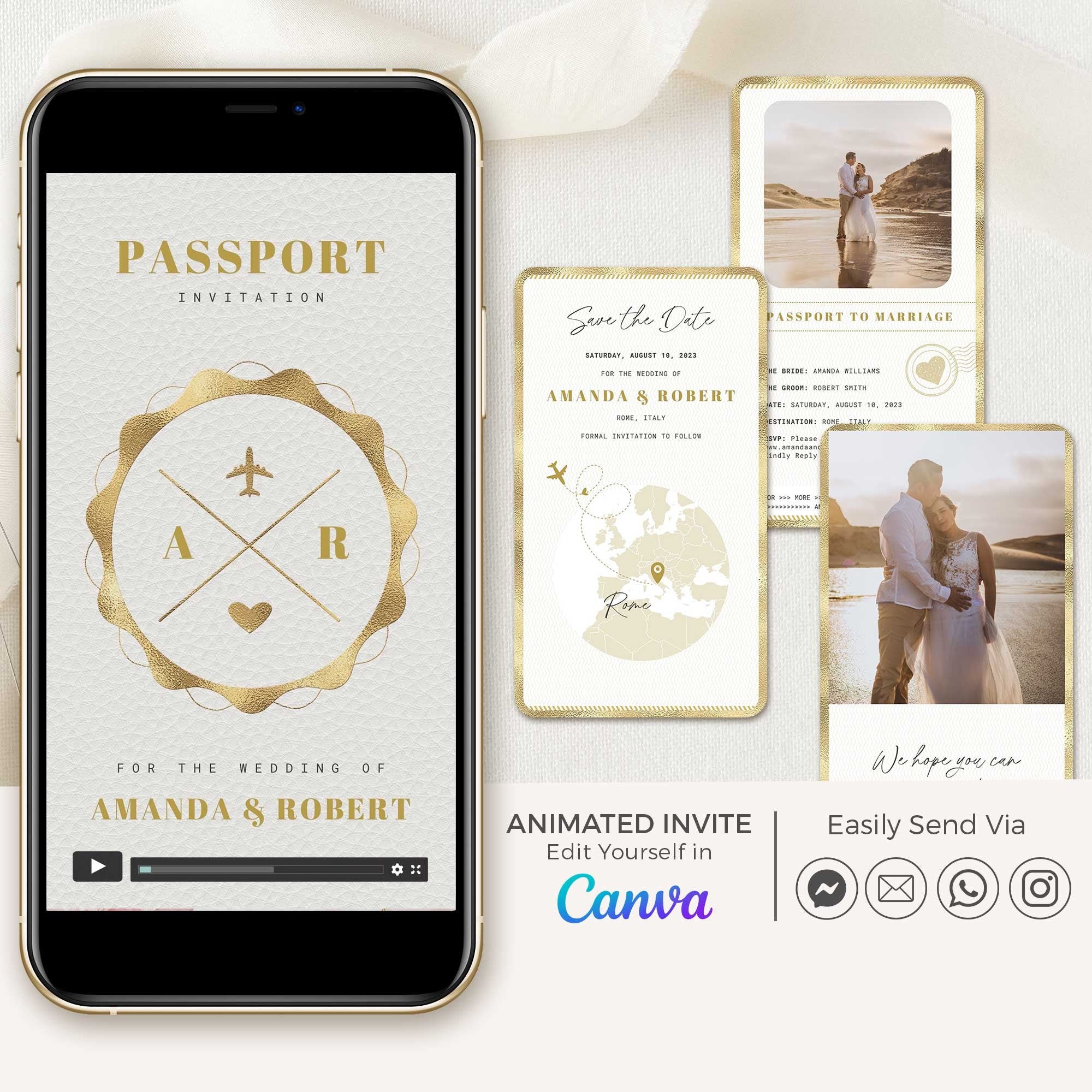

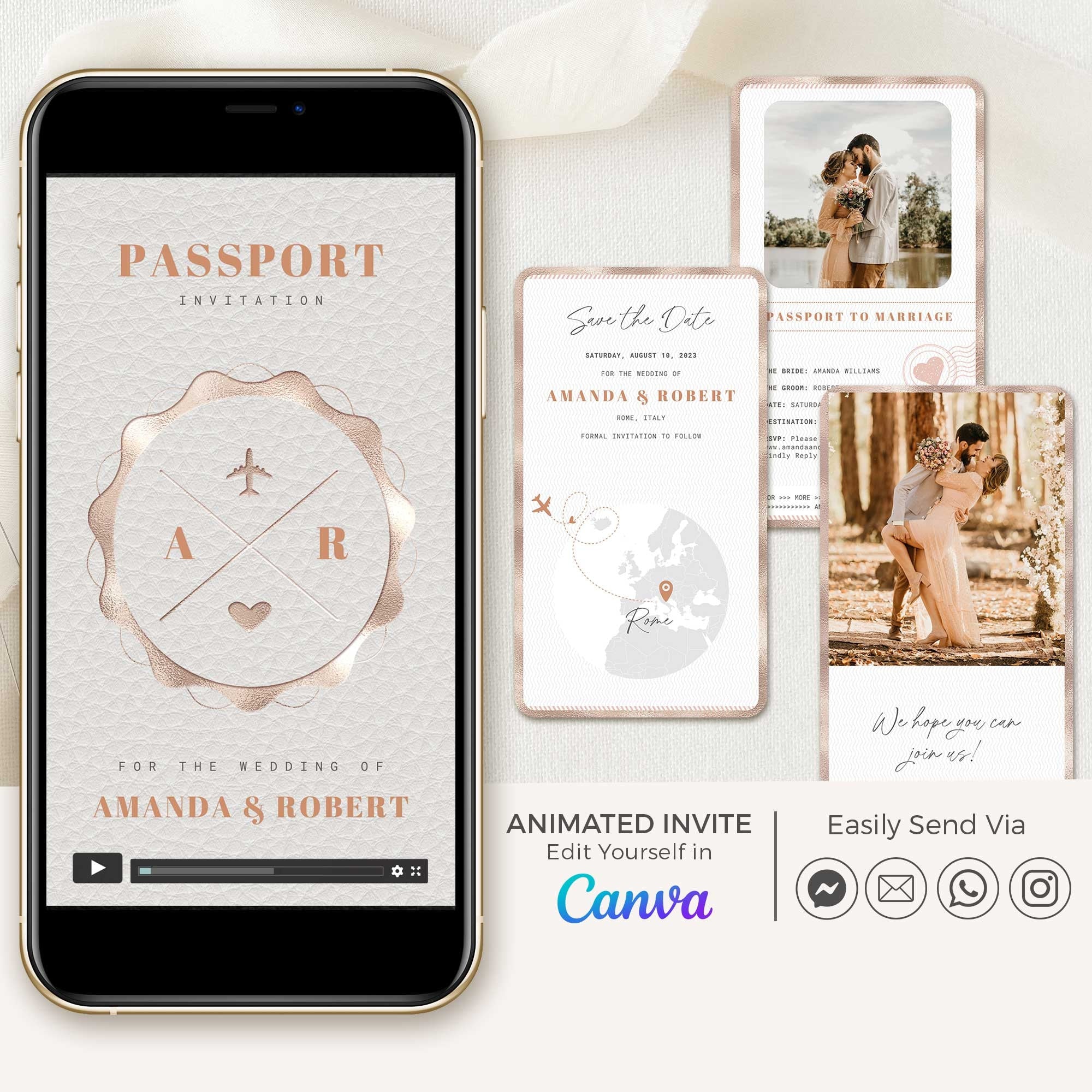

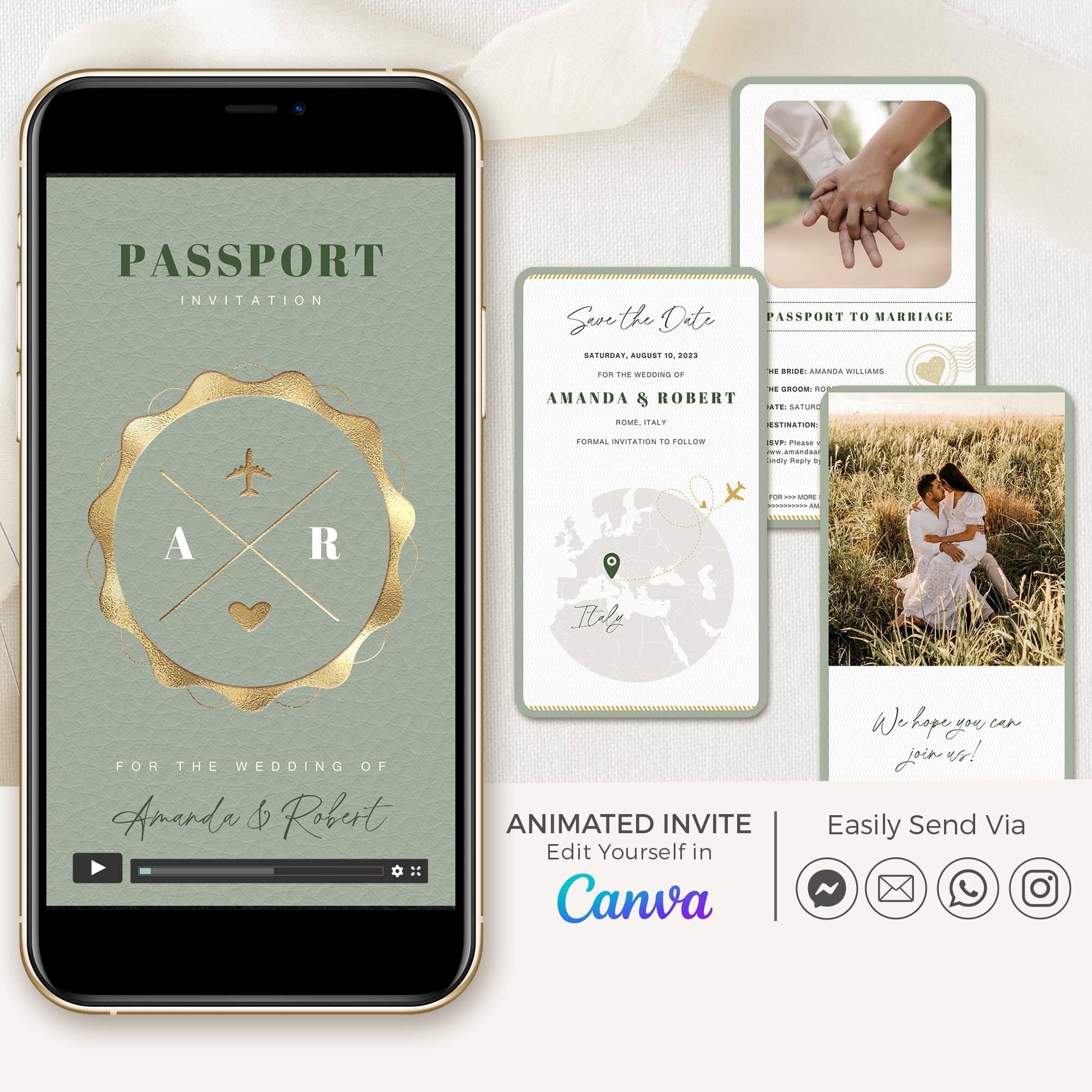

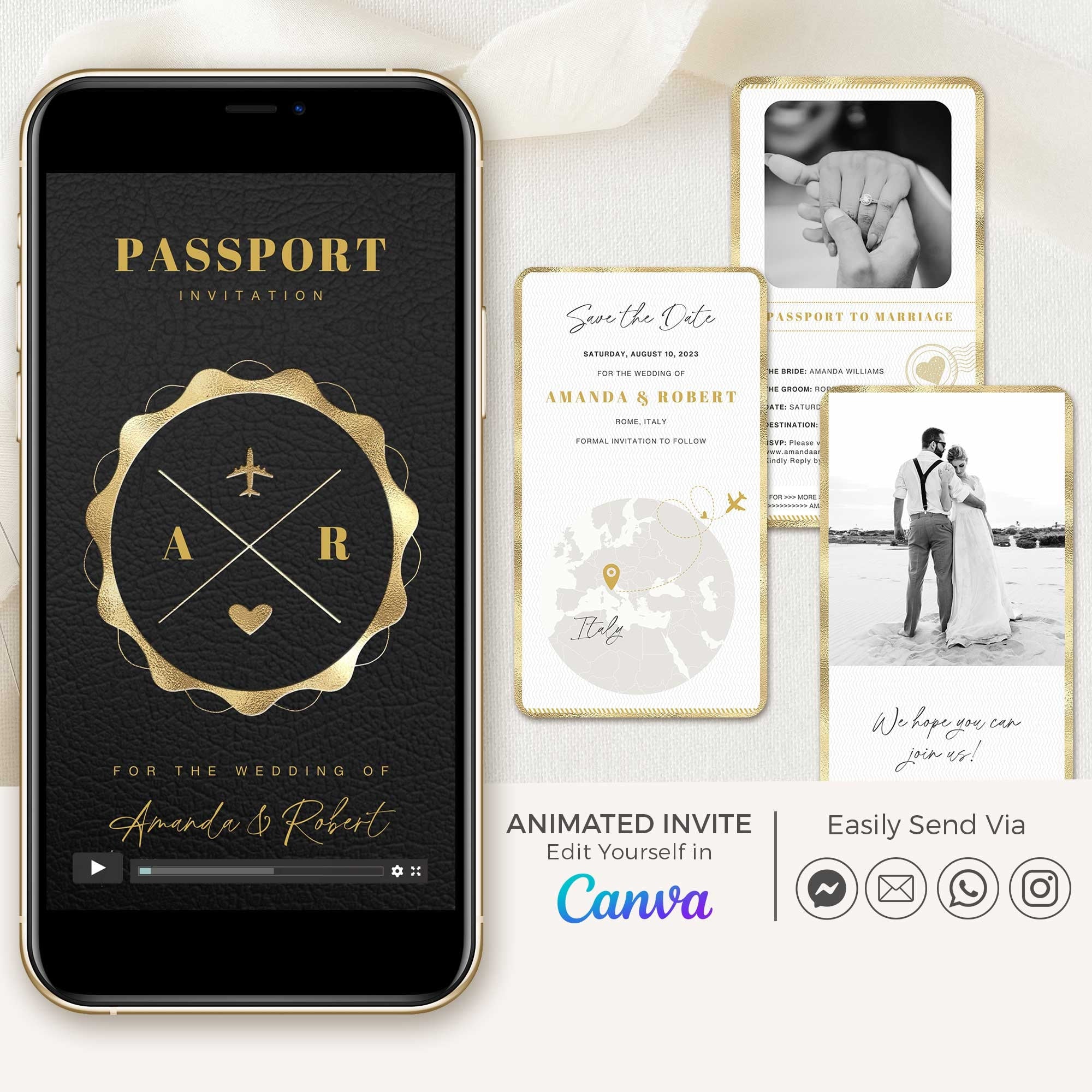

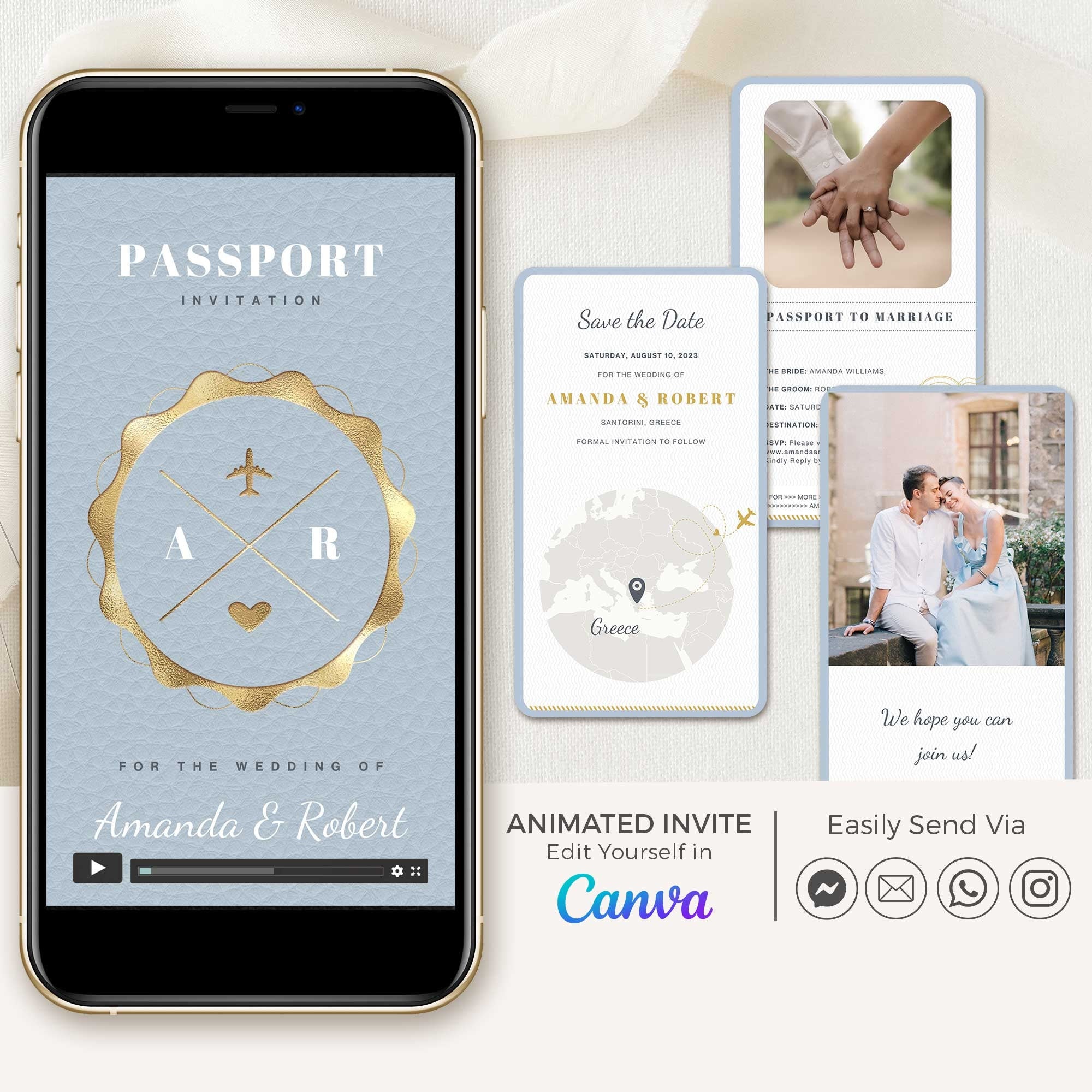



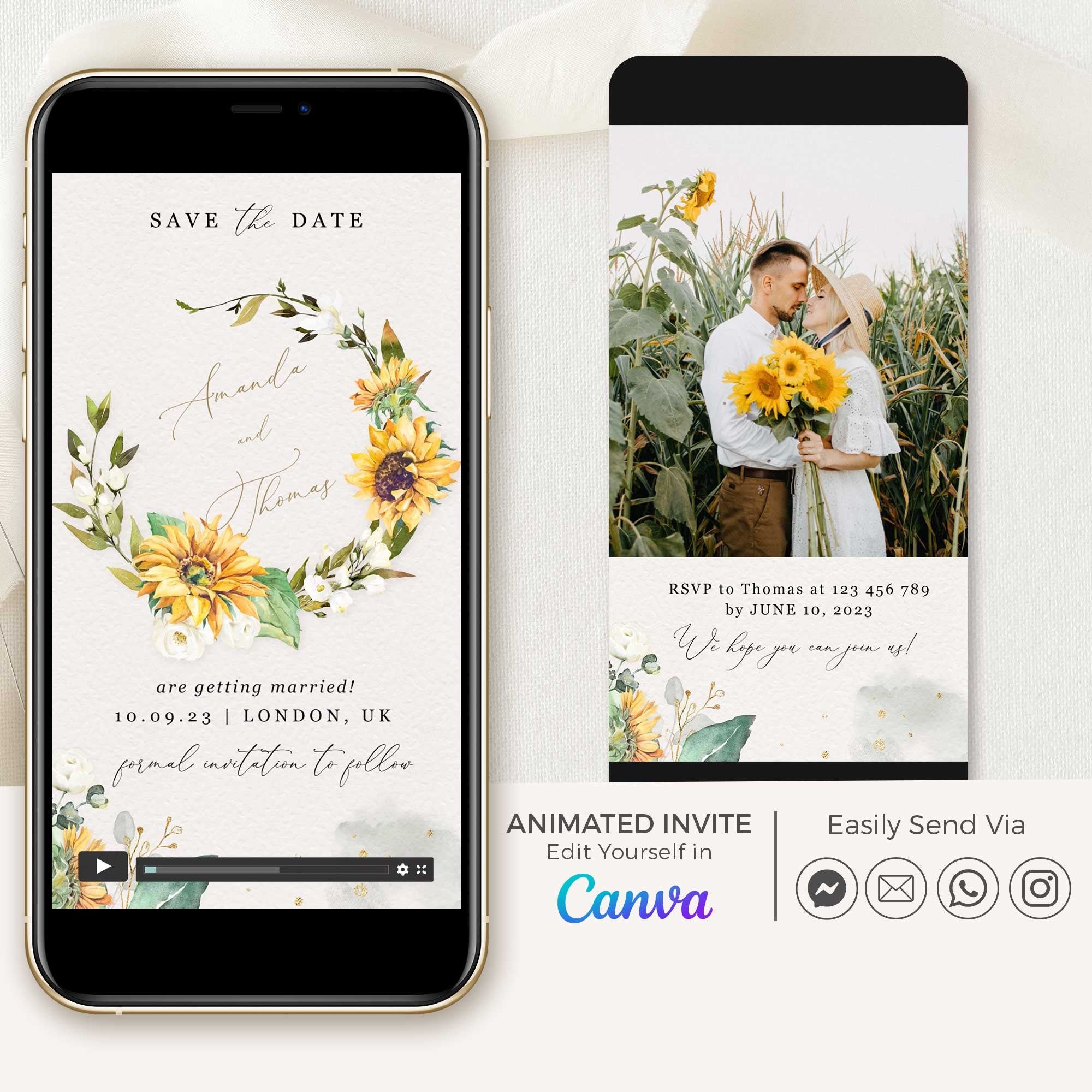

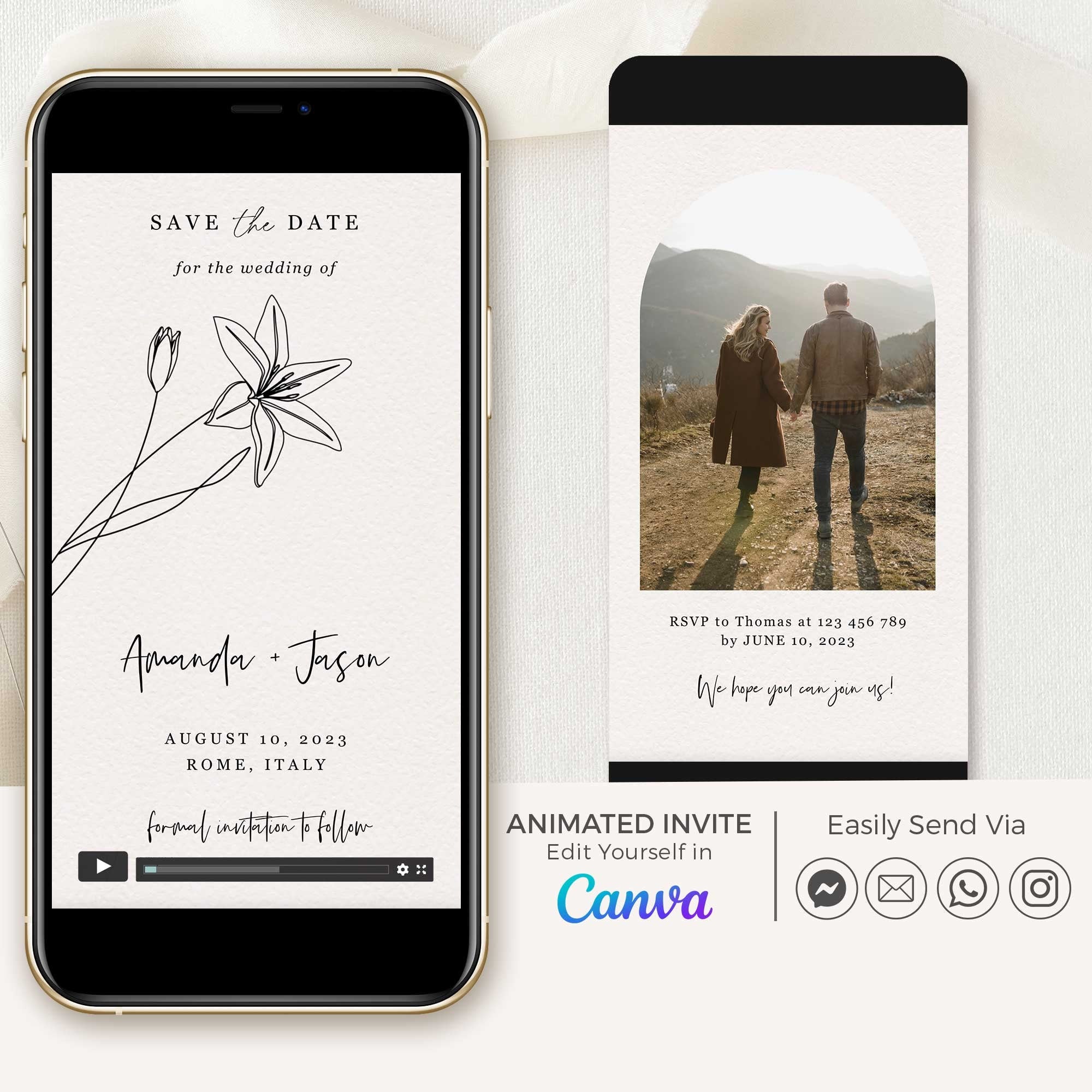
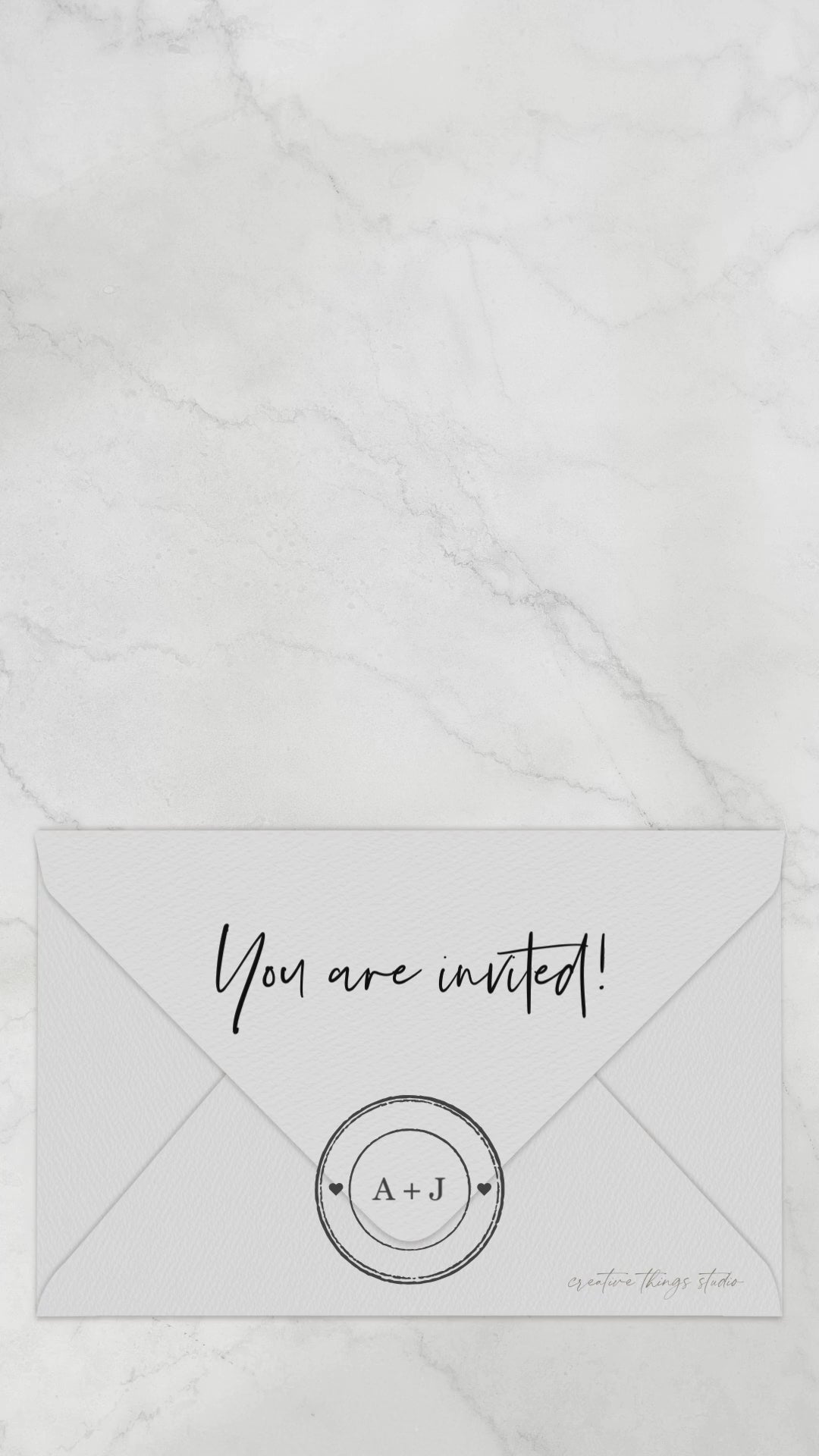
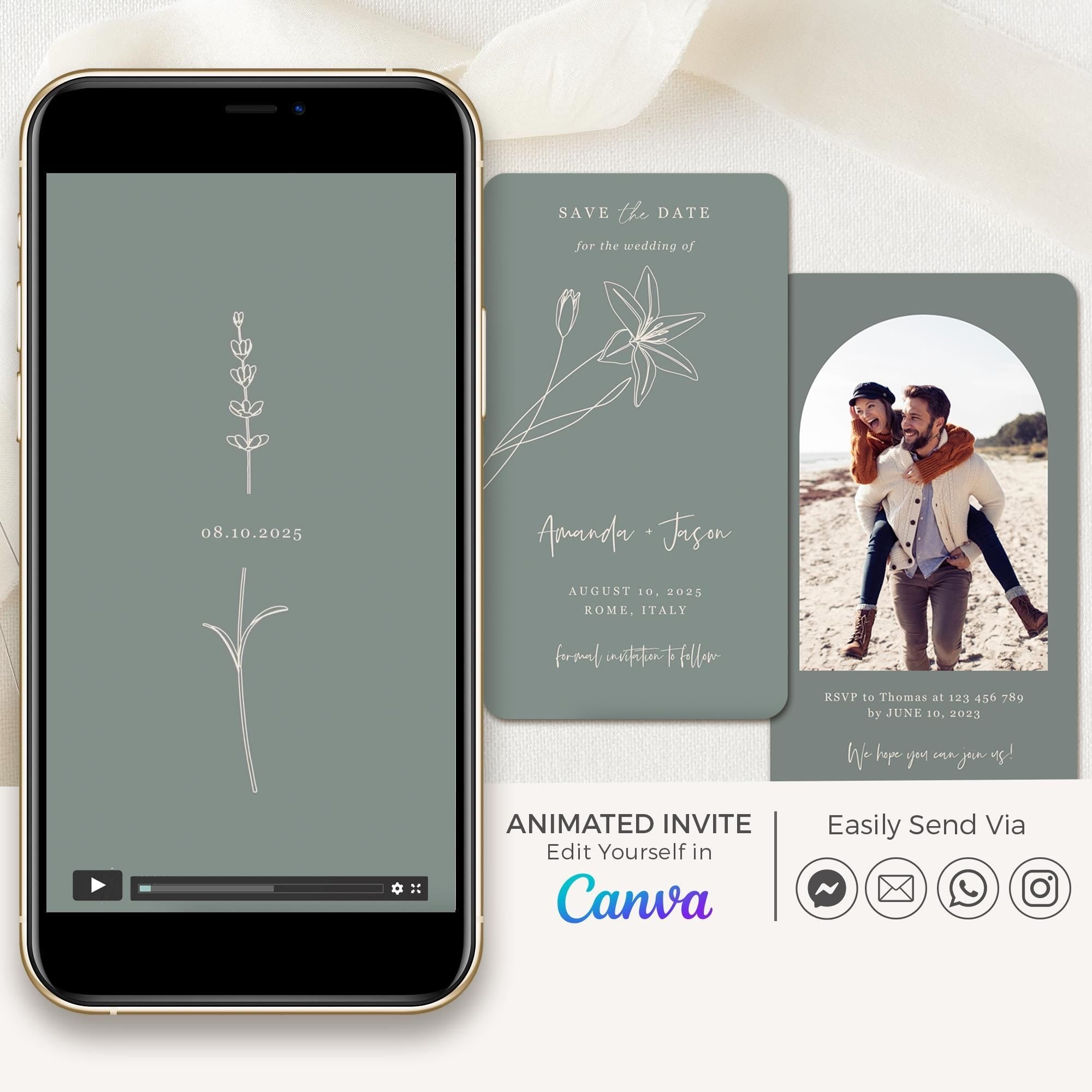
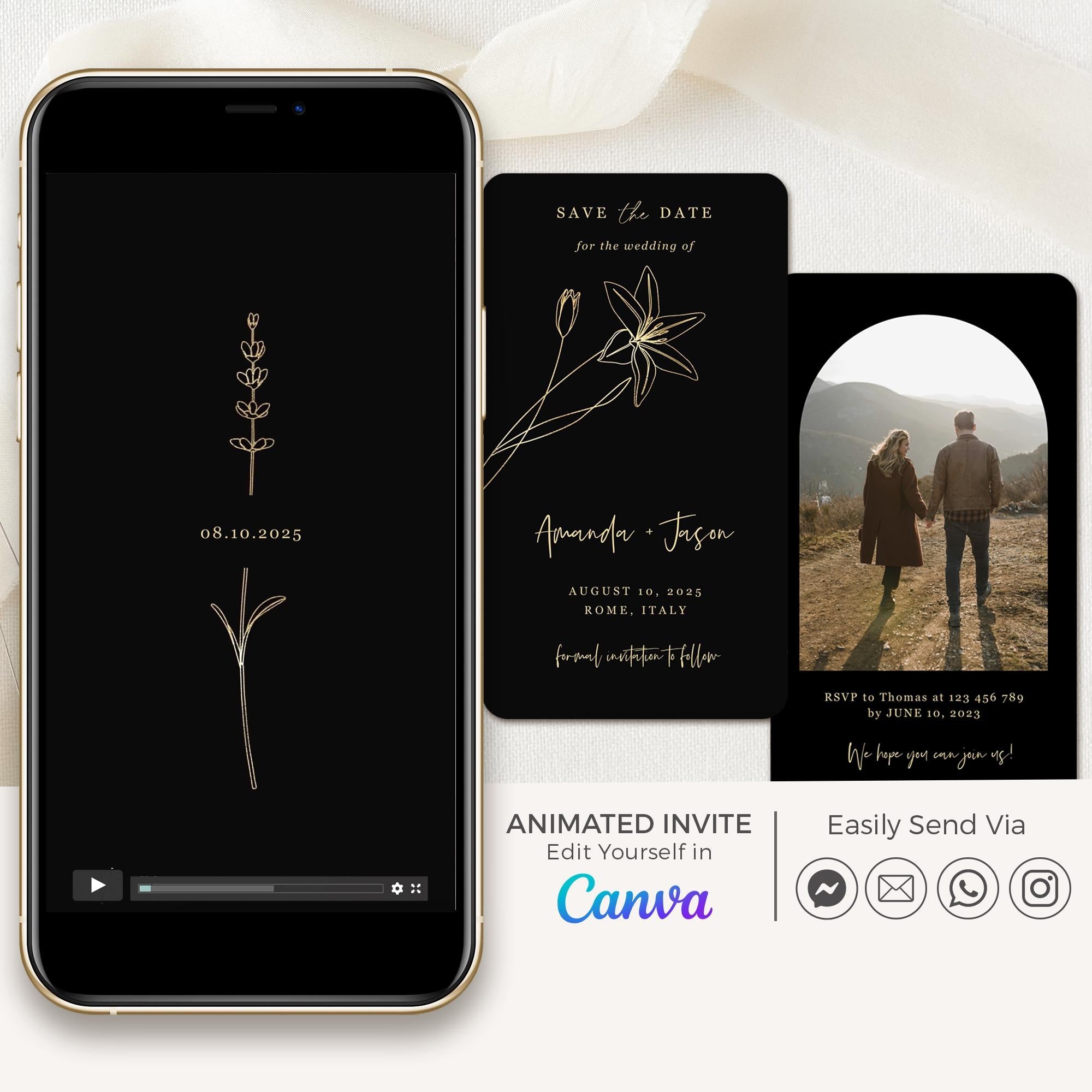
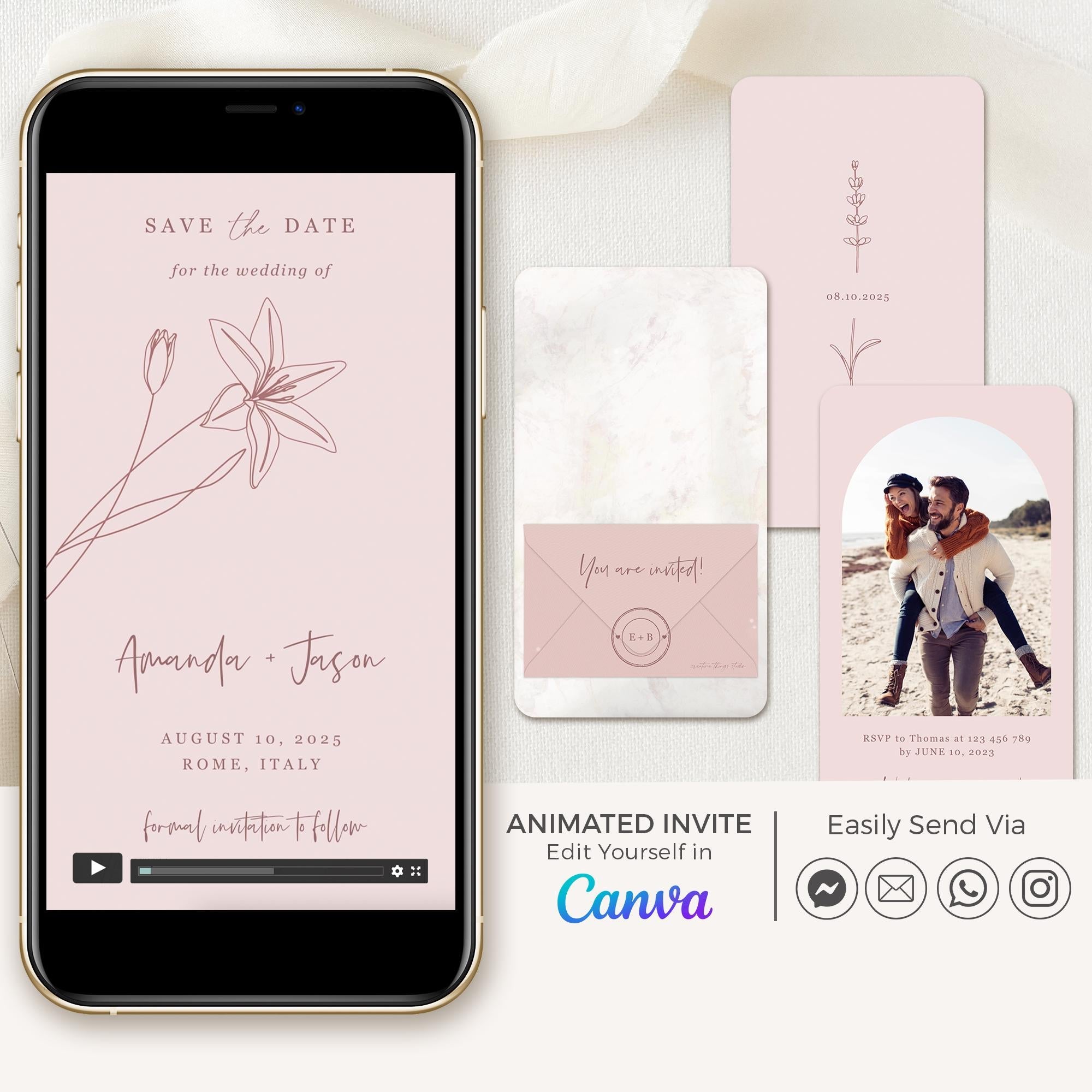

GIGLIOLA Save the Date Video
GIGLIOLA Save the Date Video
White
$25.00 USD
7 colors available


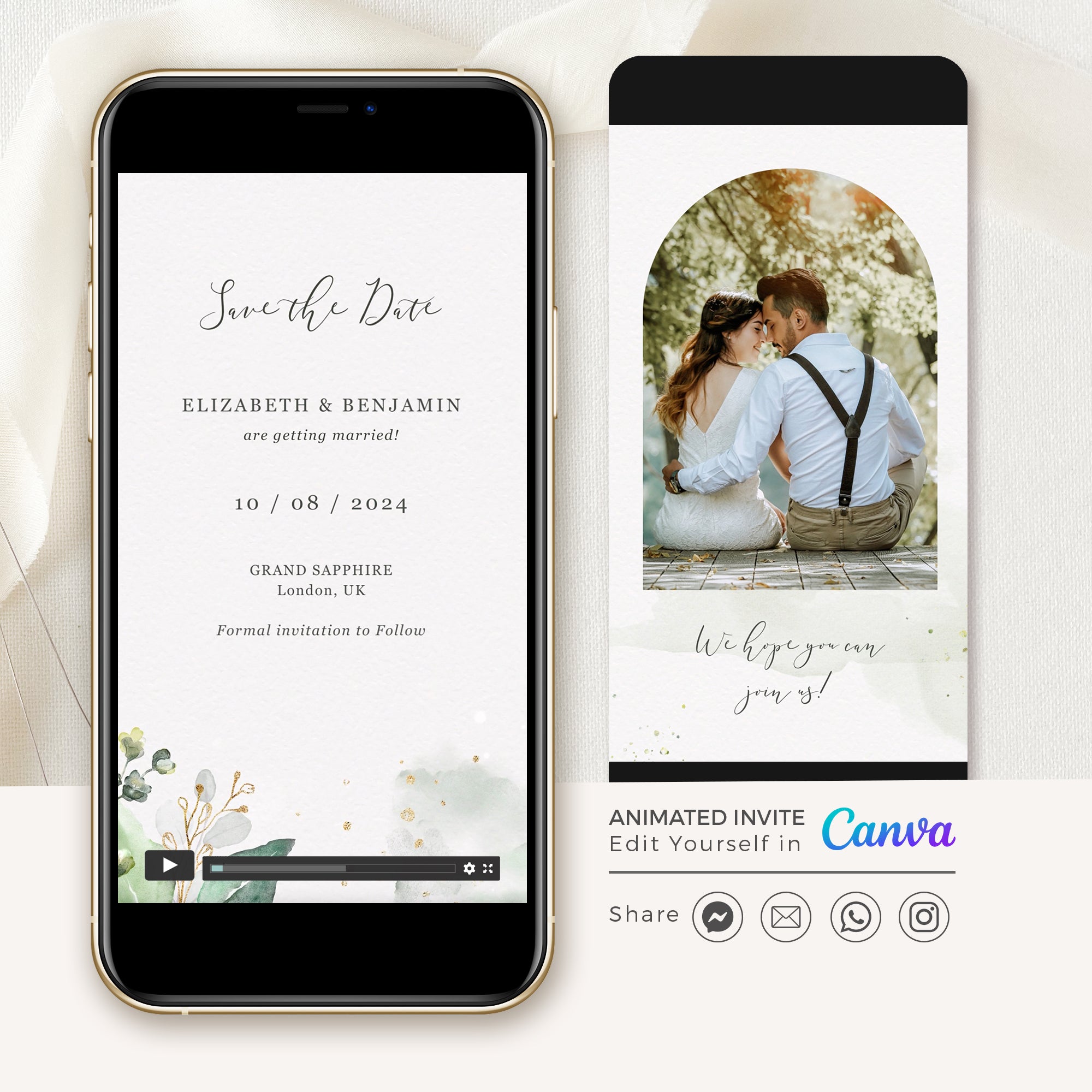
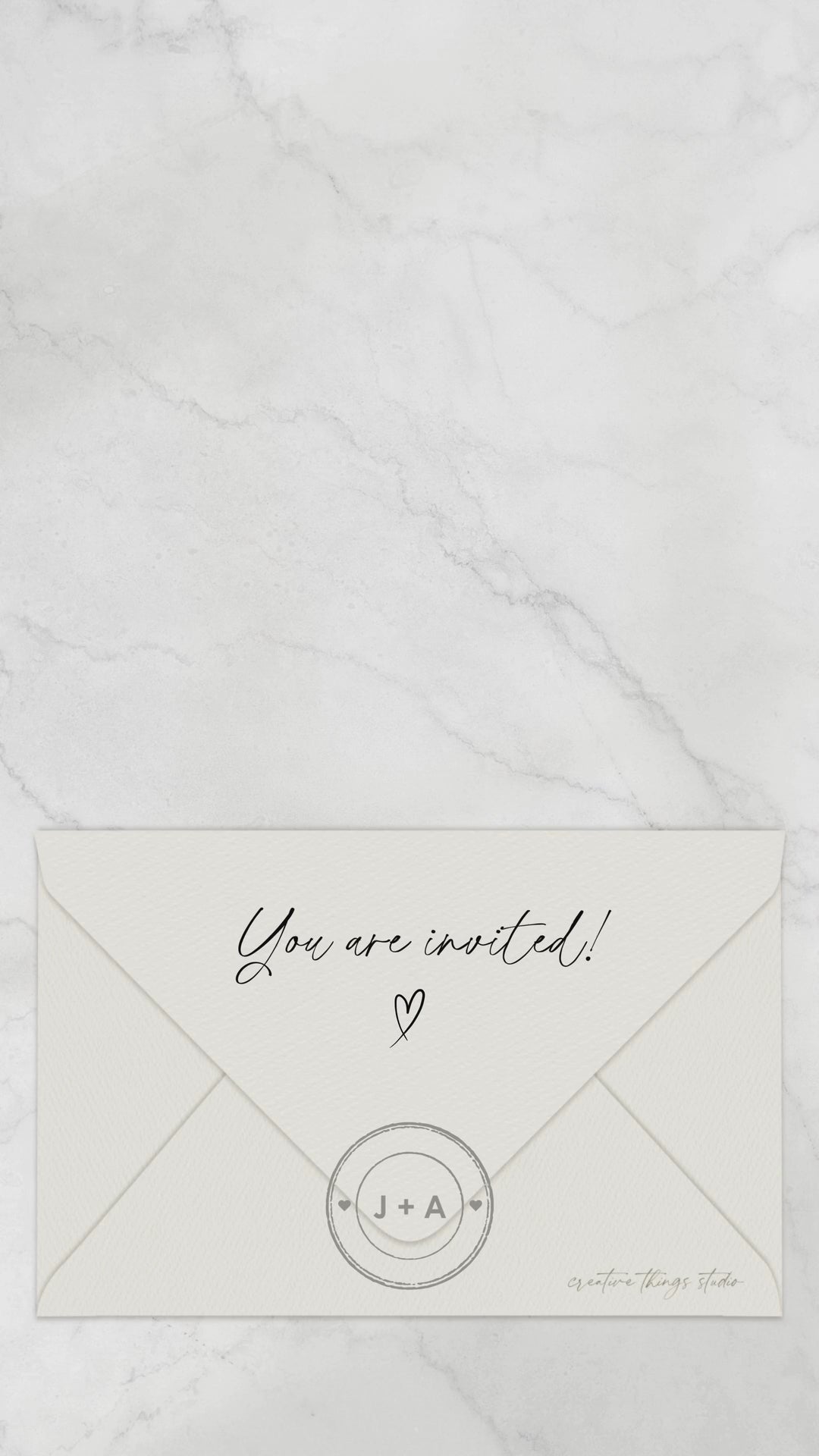
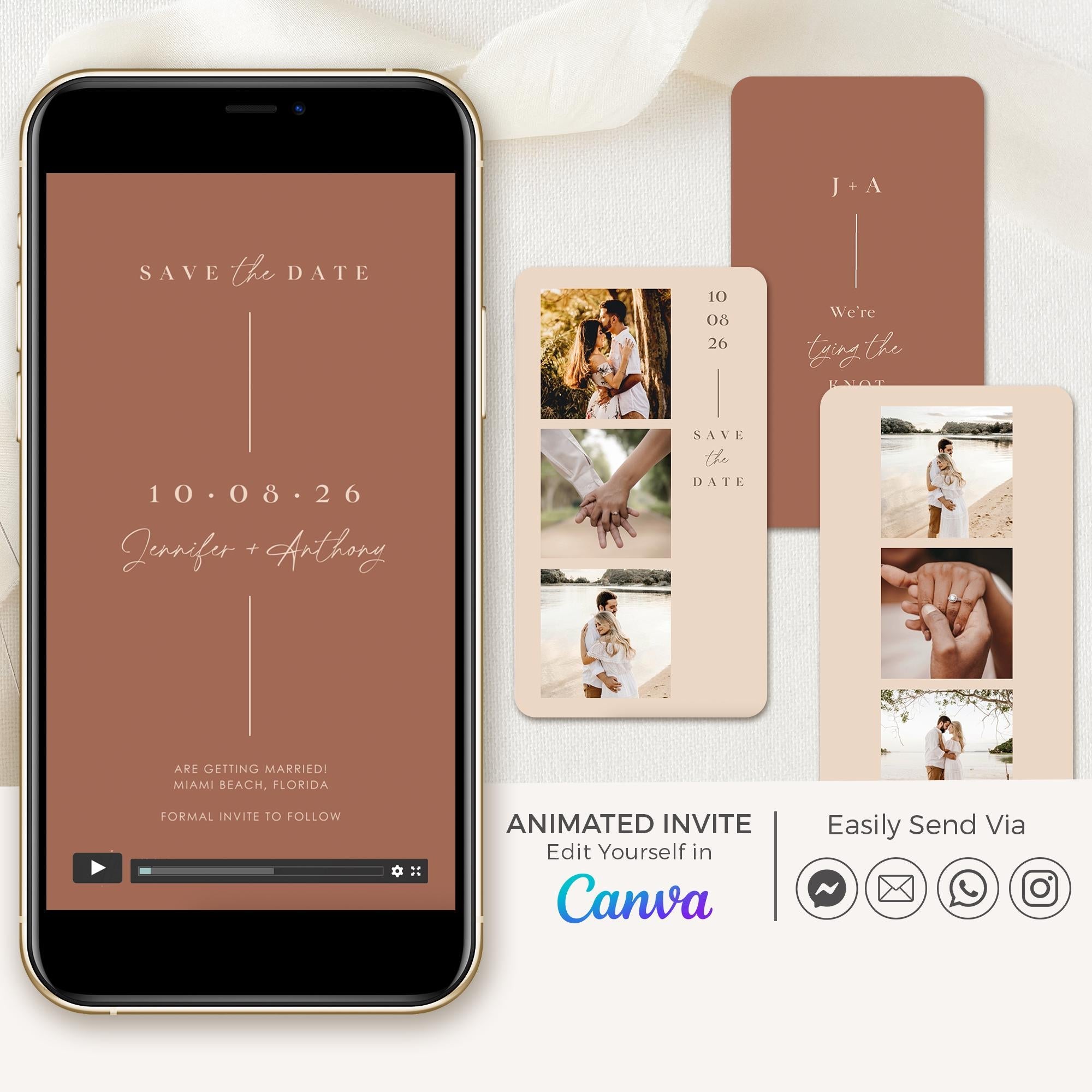
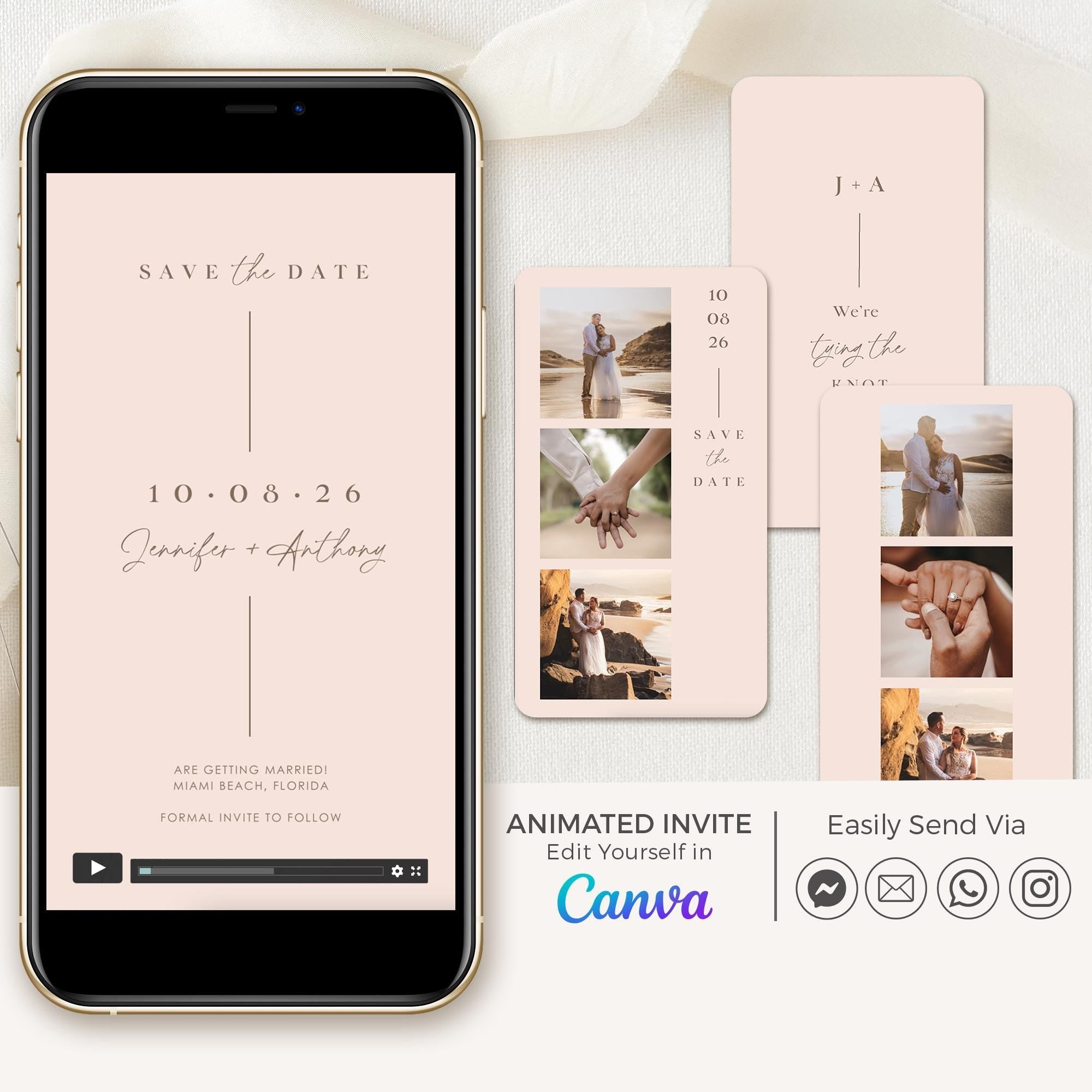

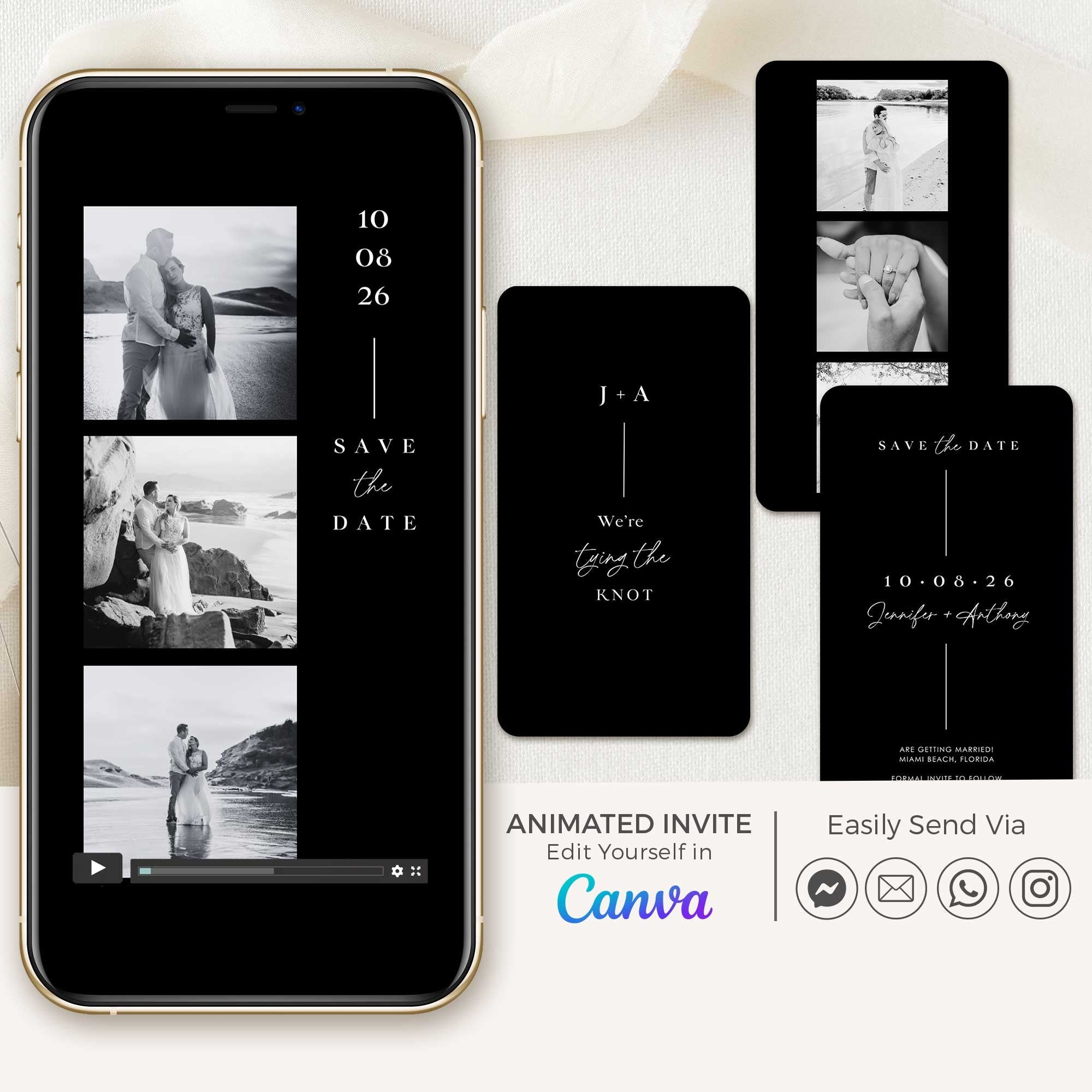
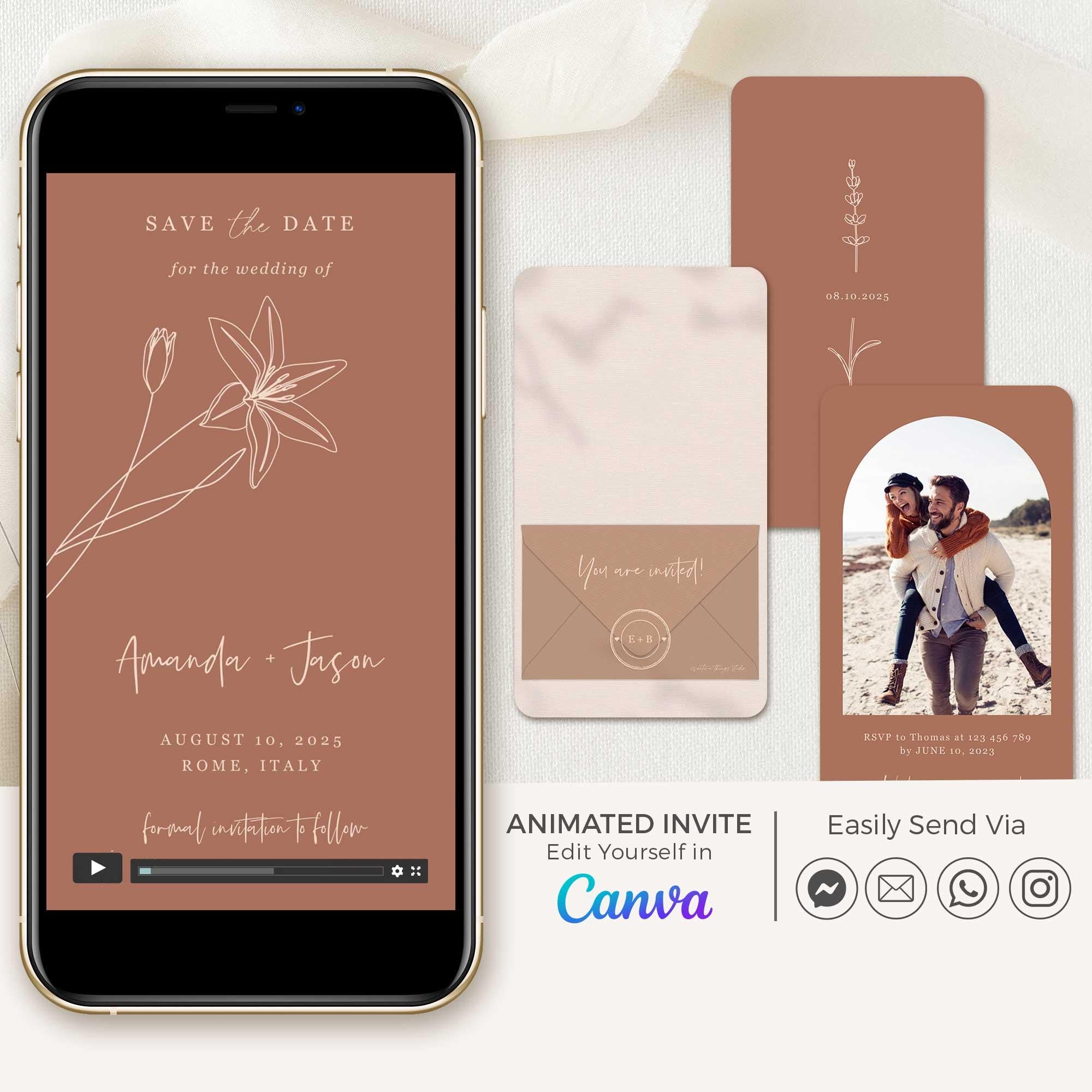
LAURA Save the Date Video
LAURA Save the Date Video
Terracotta
$25.00 USD
6 colors available


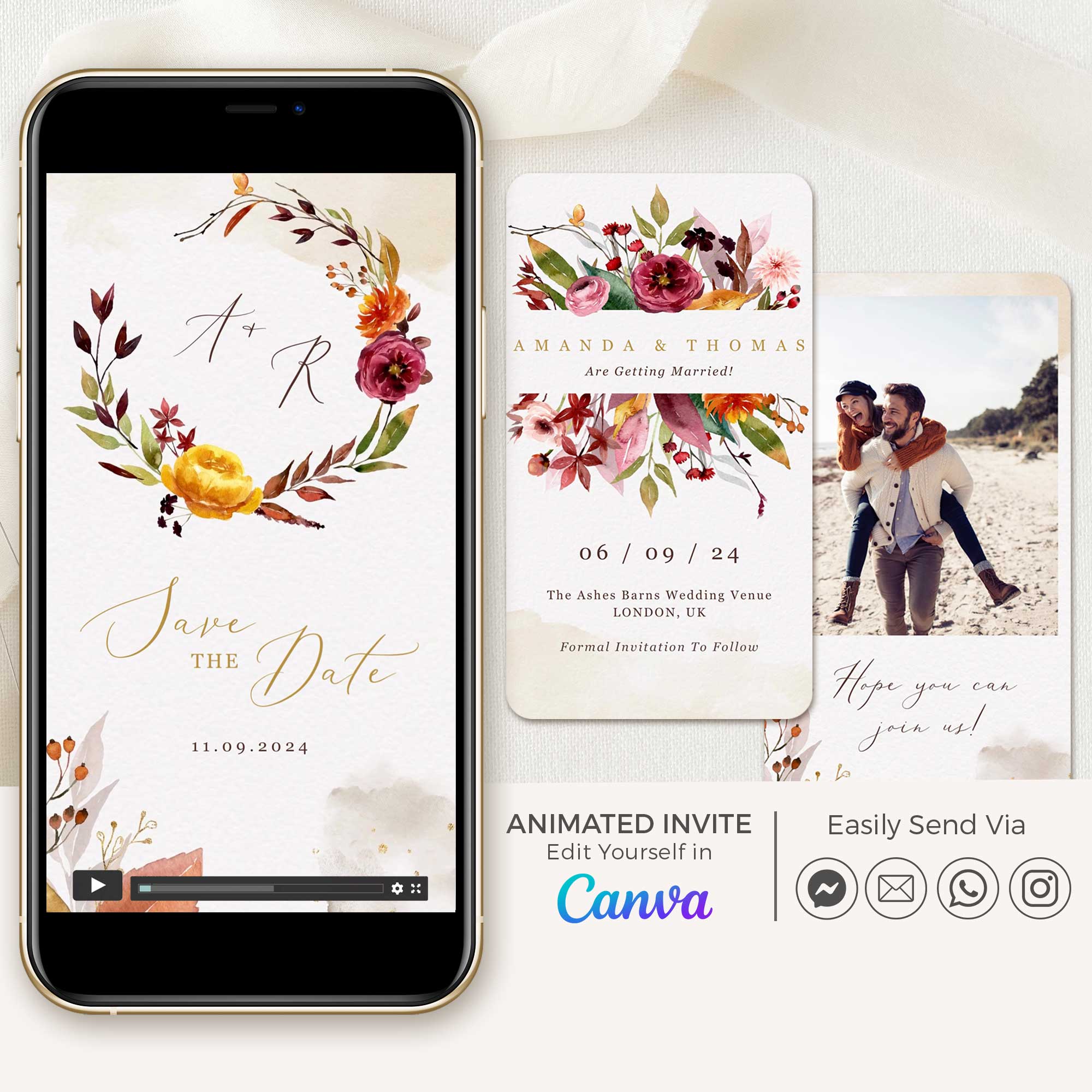
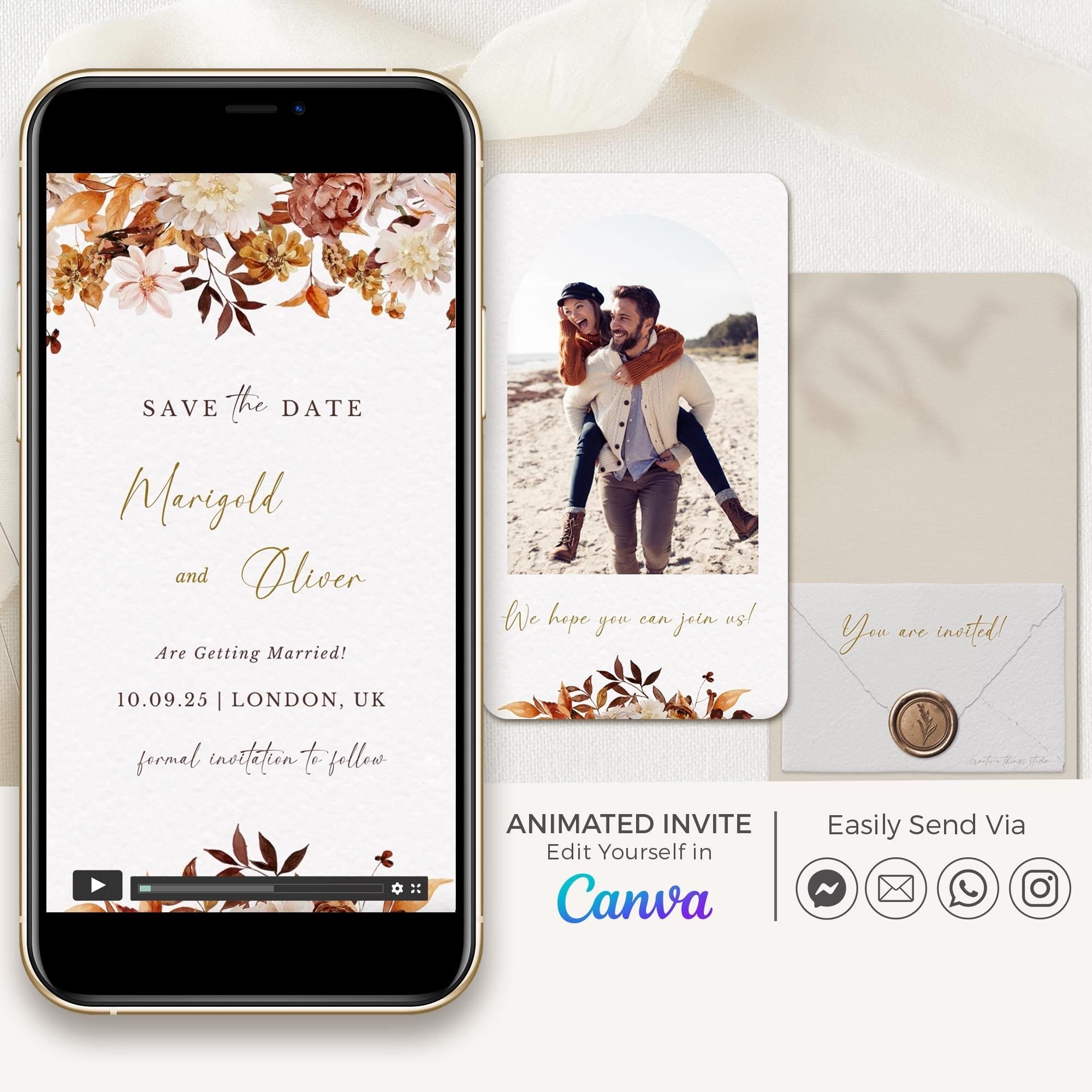
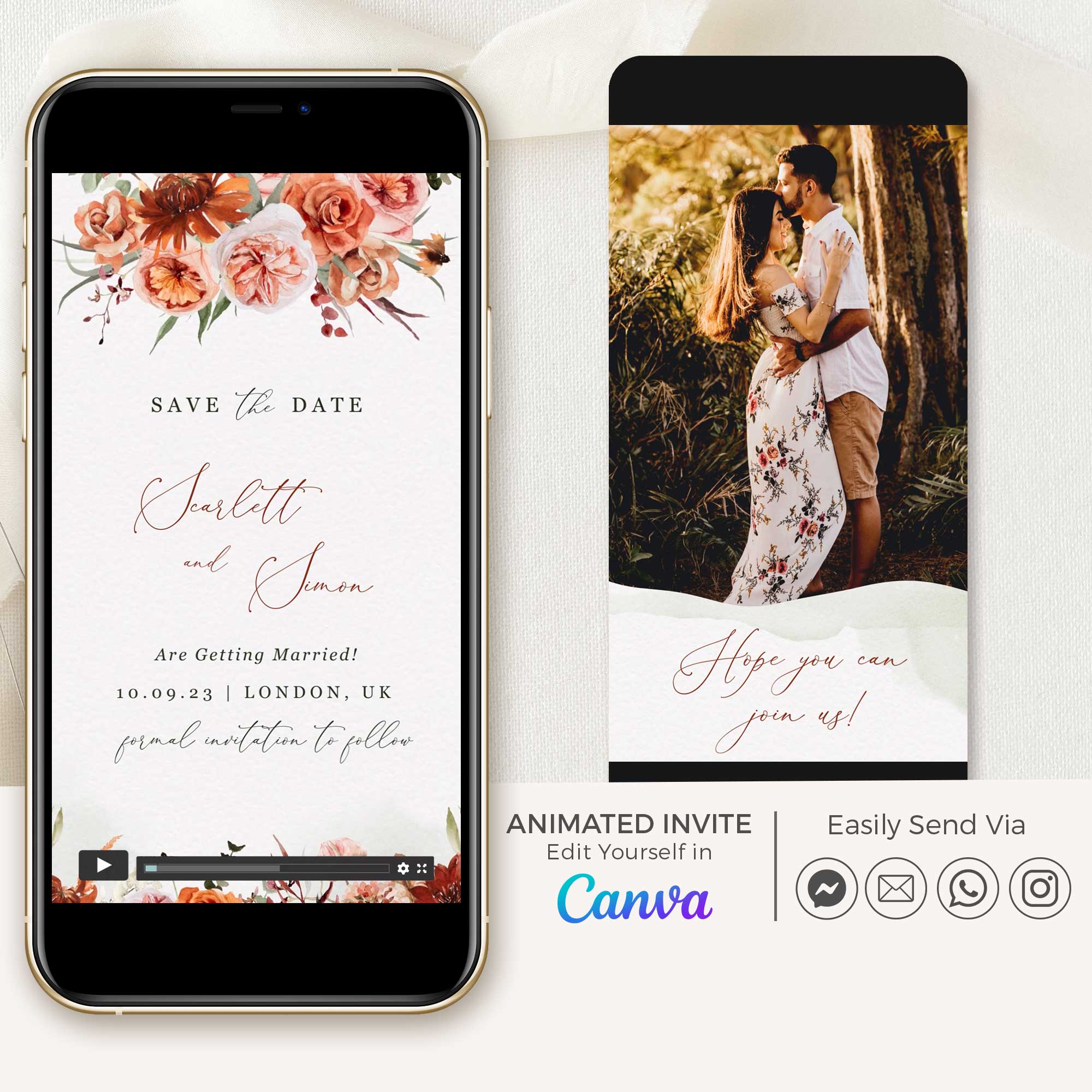
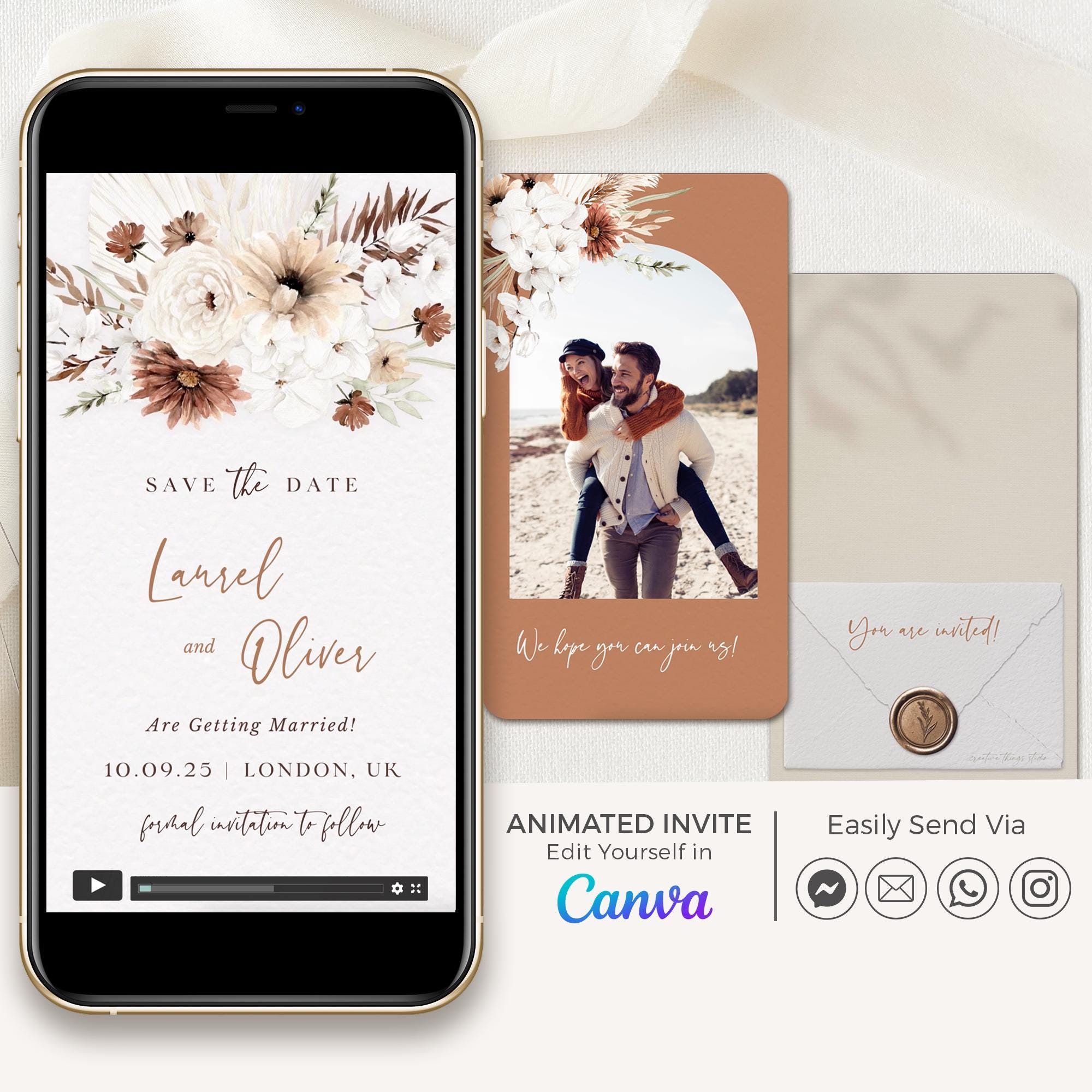
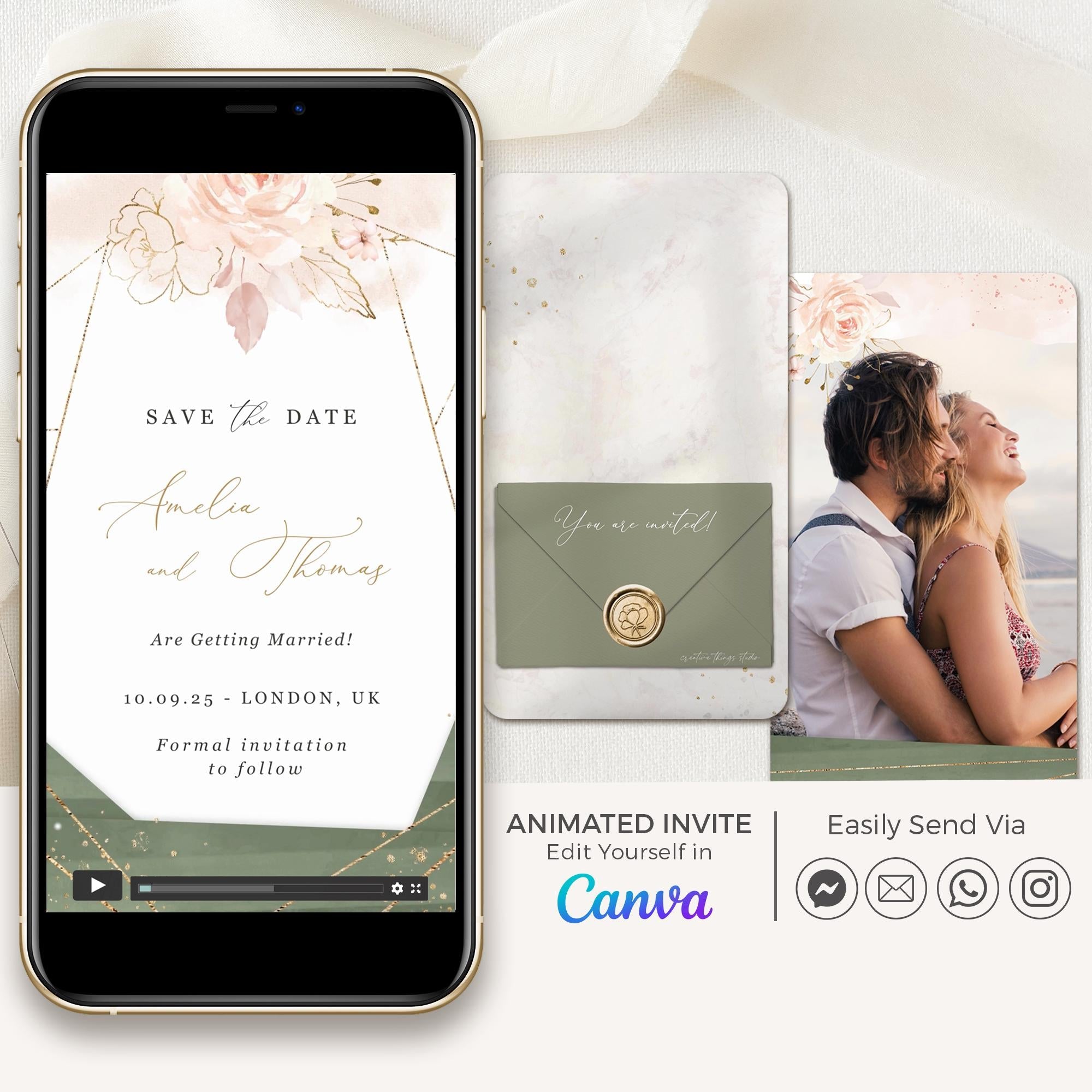
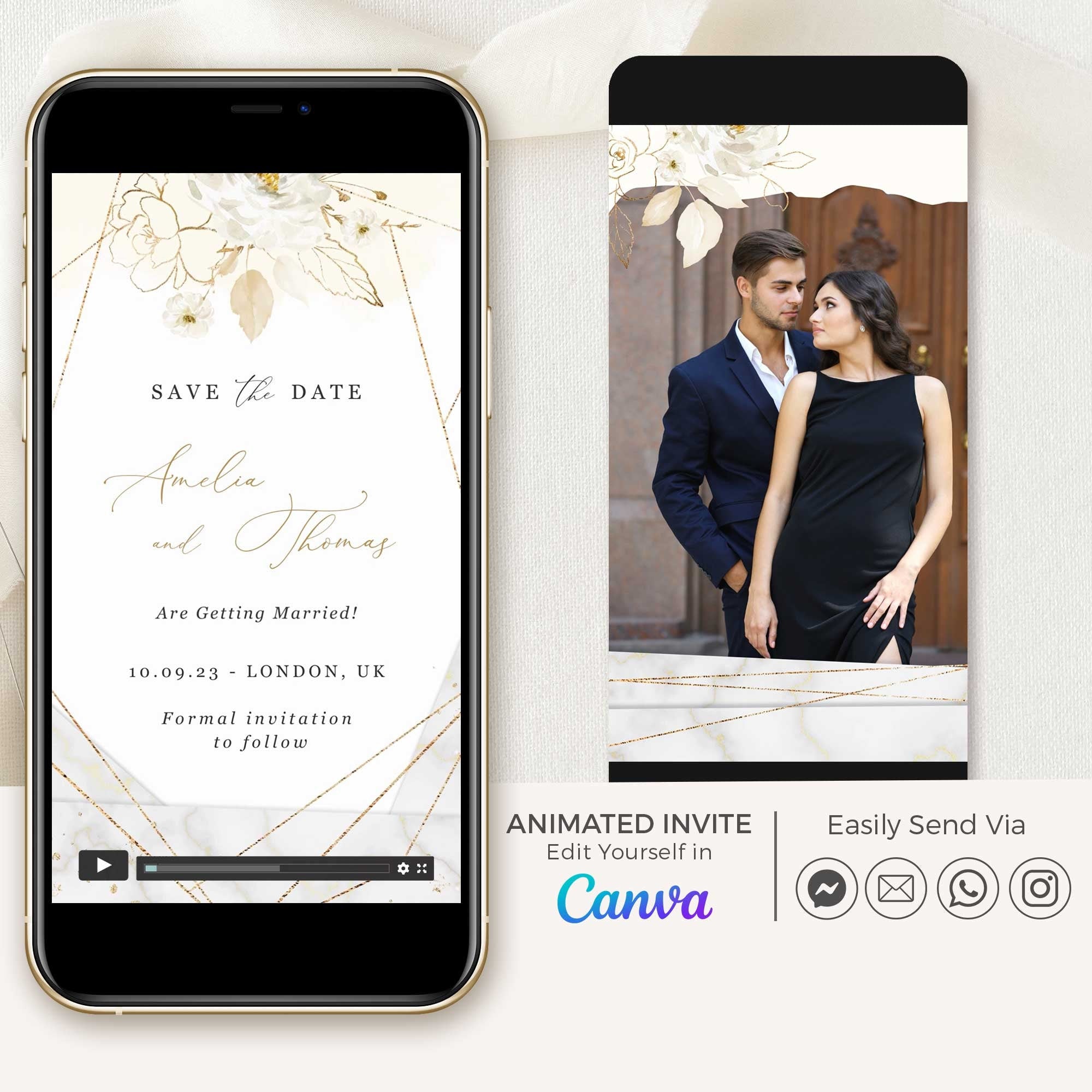
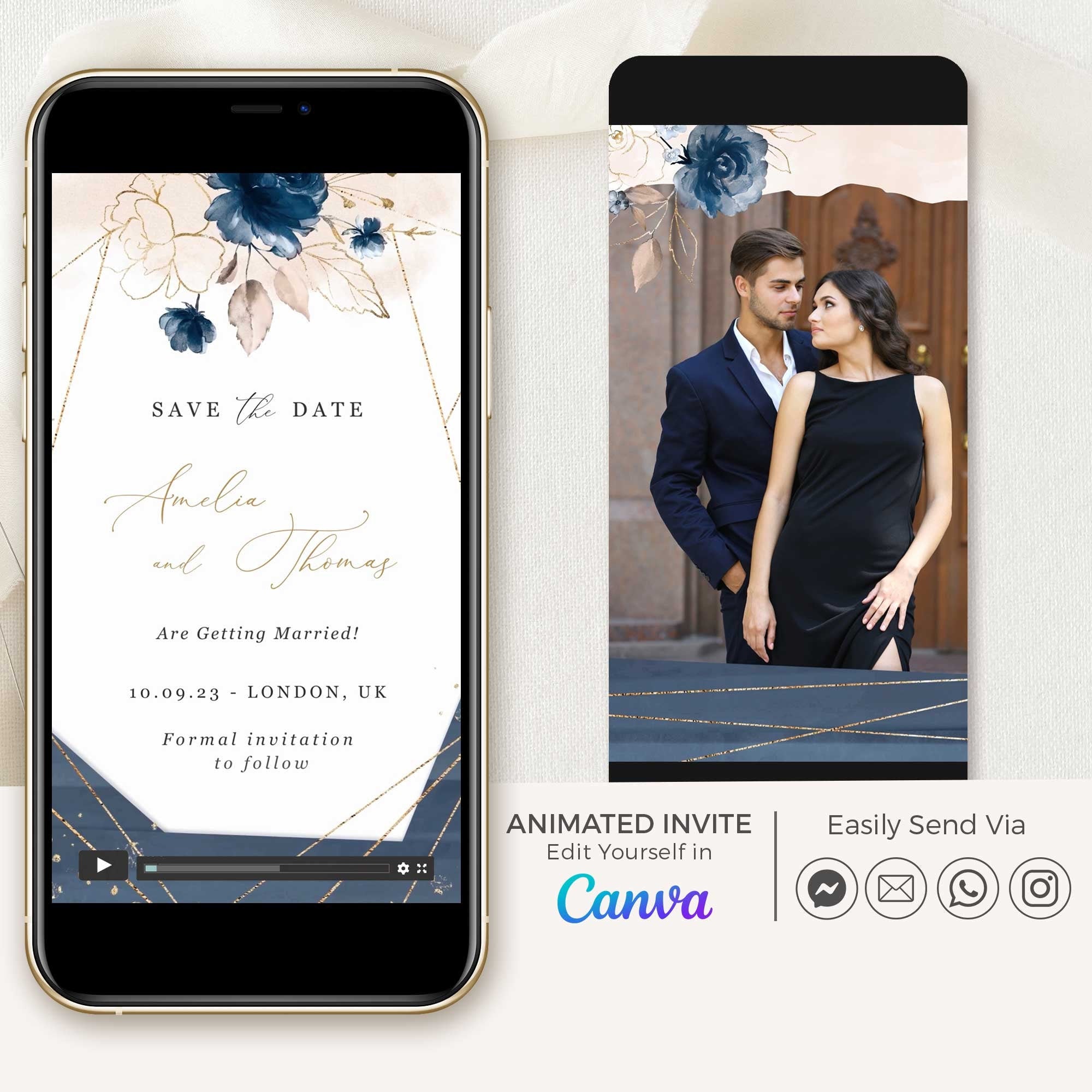
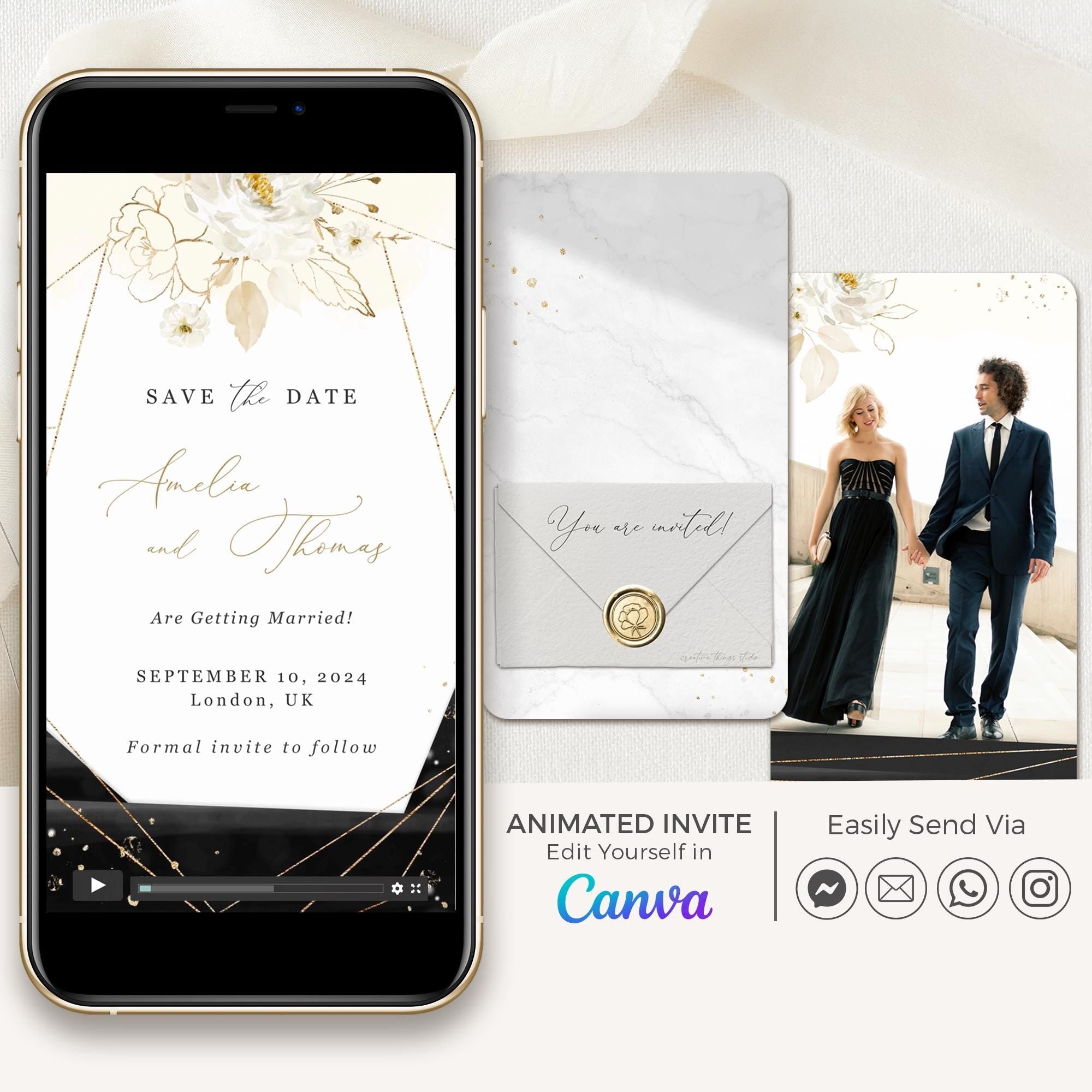


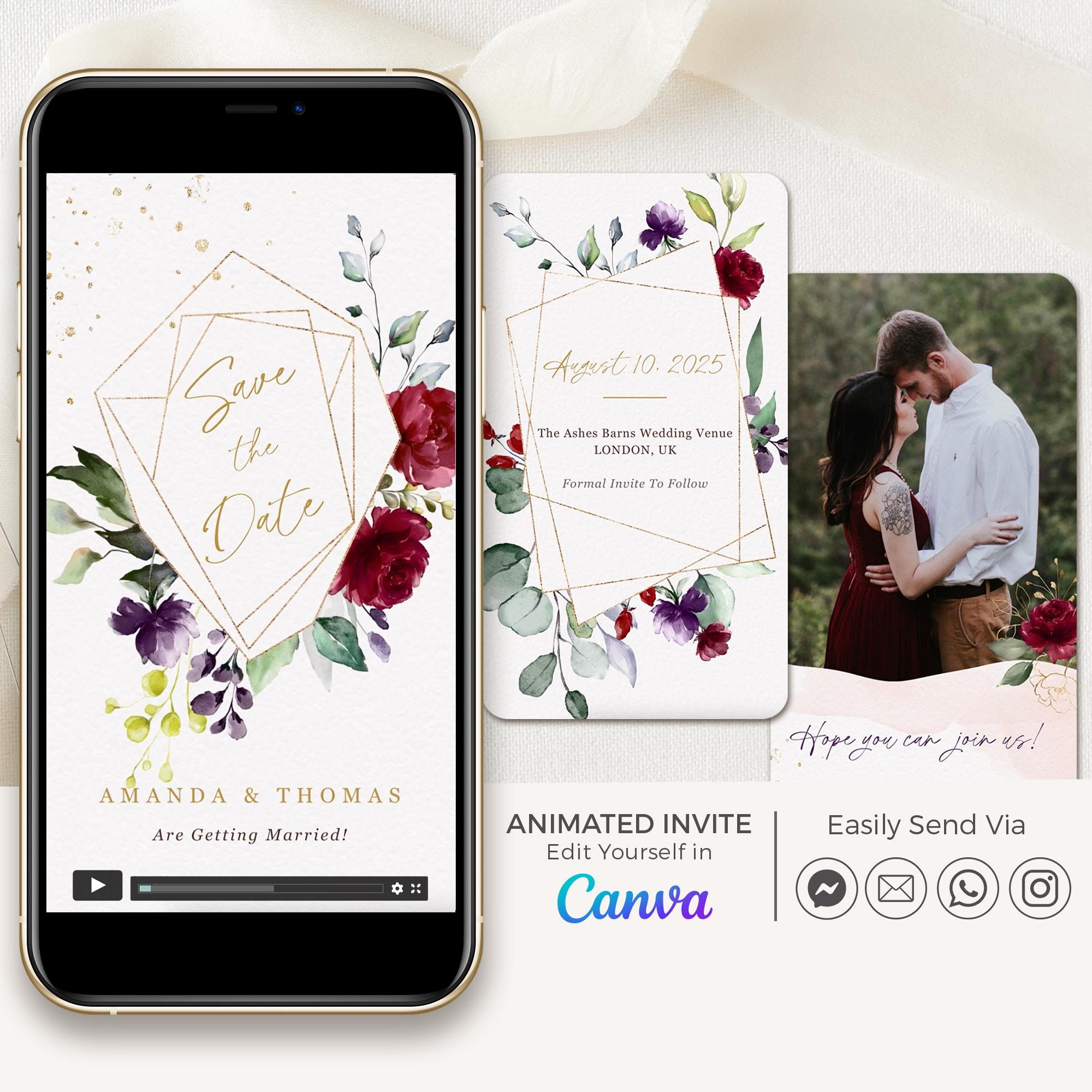
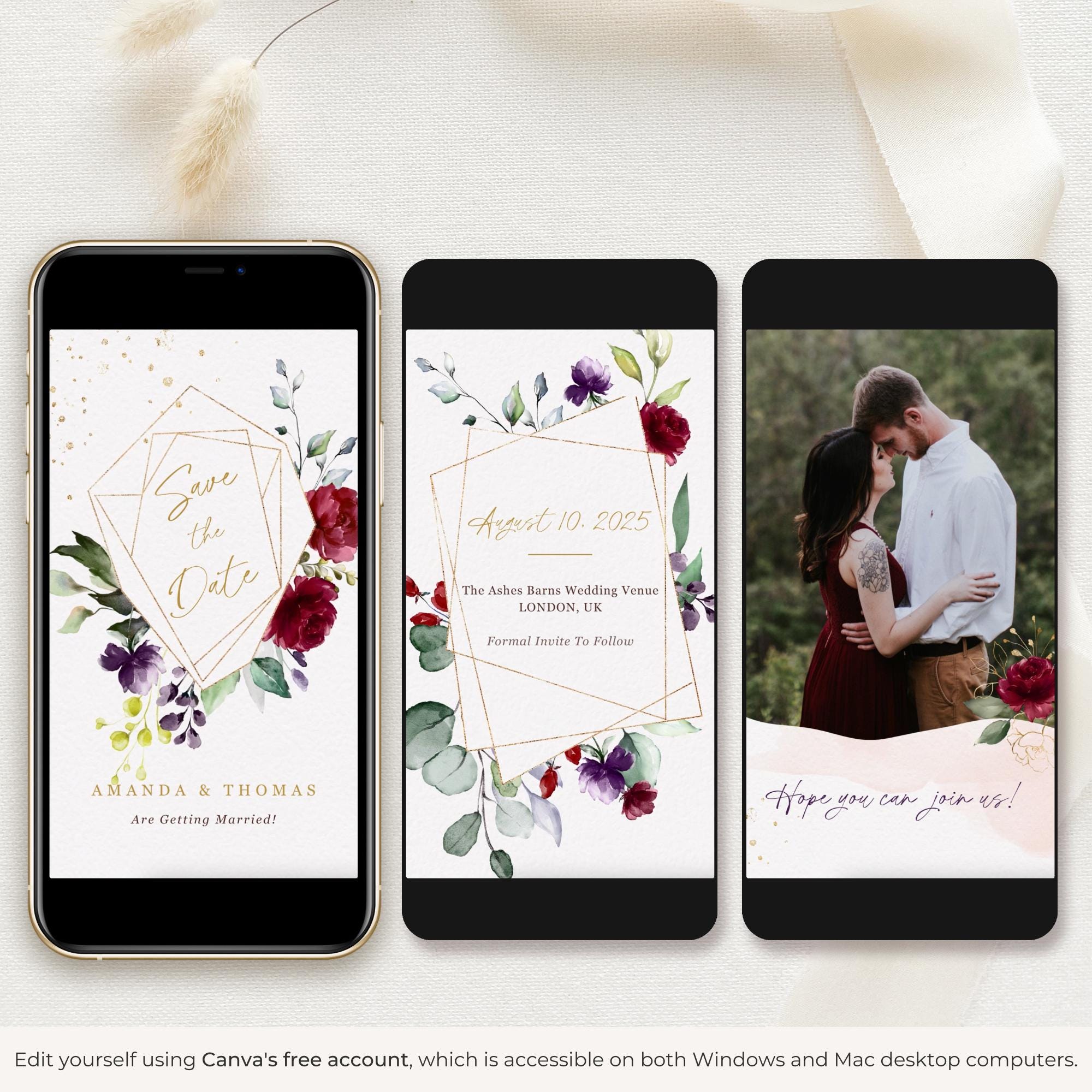
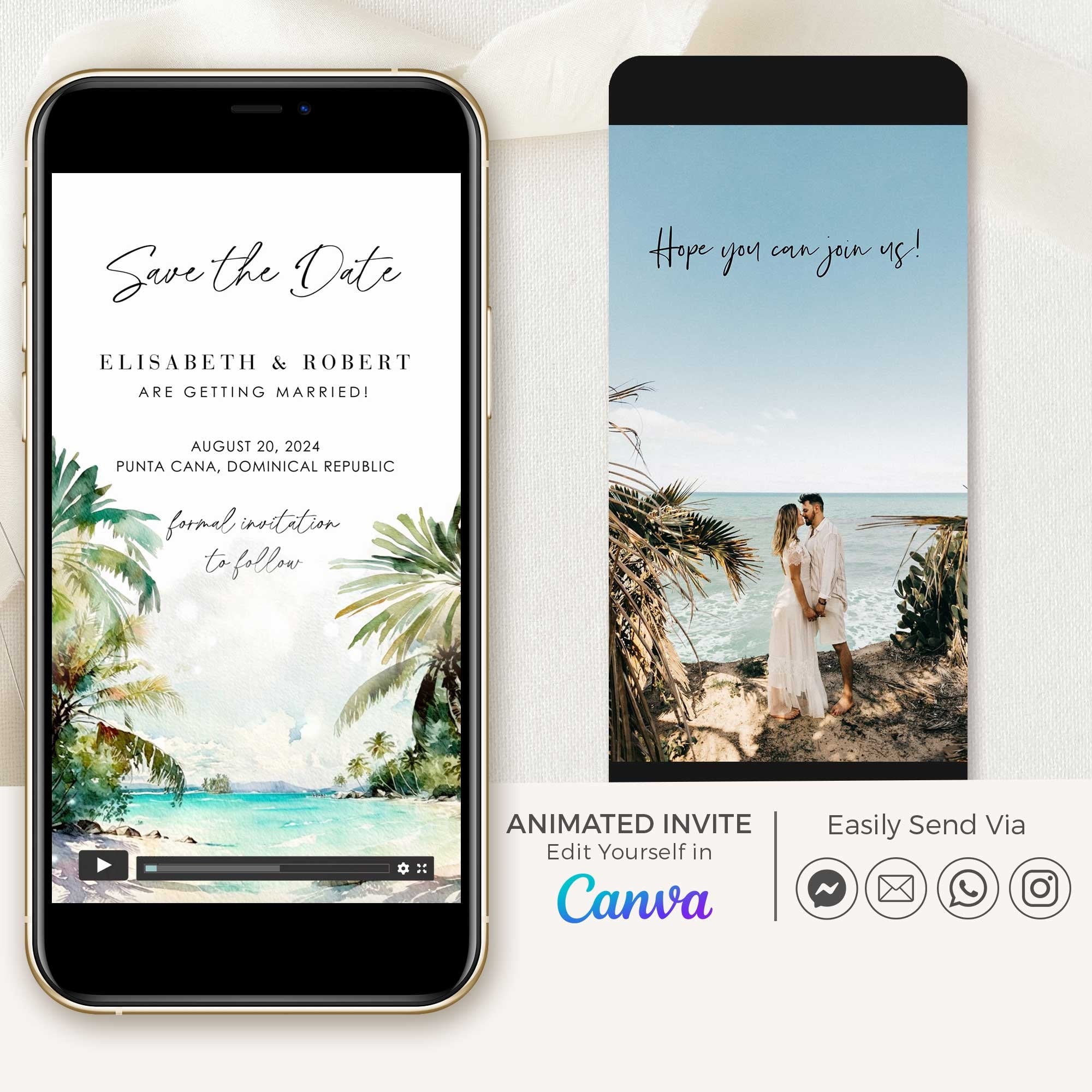

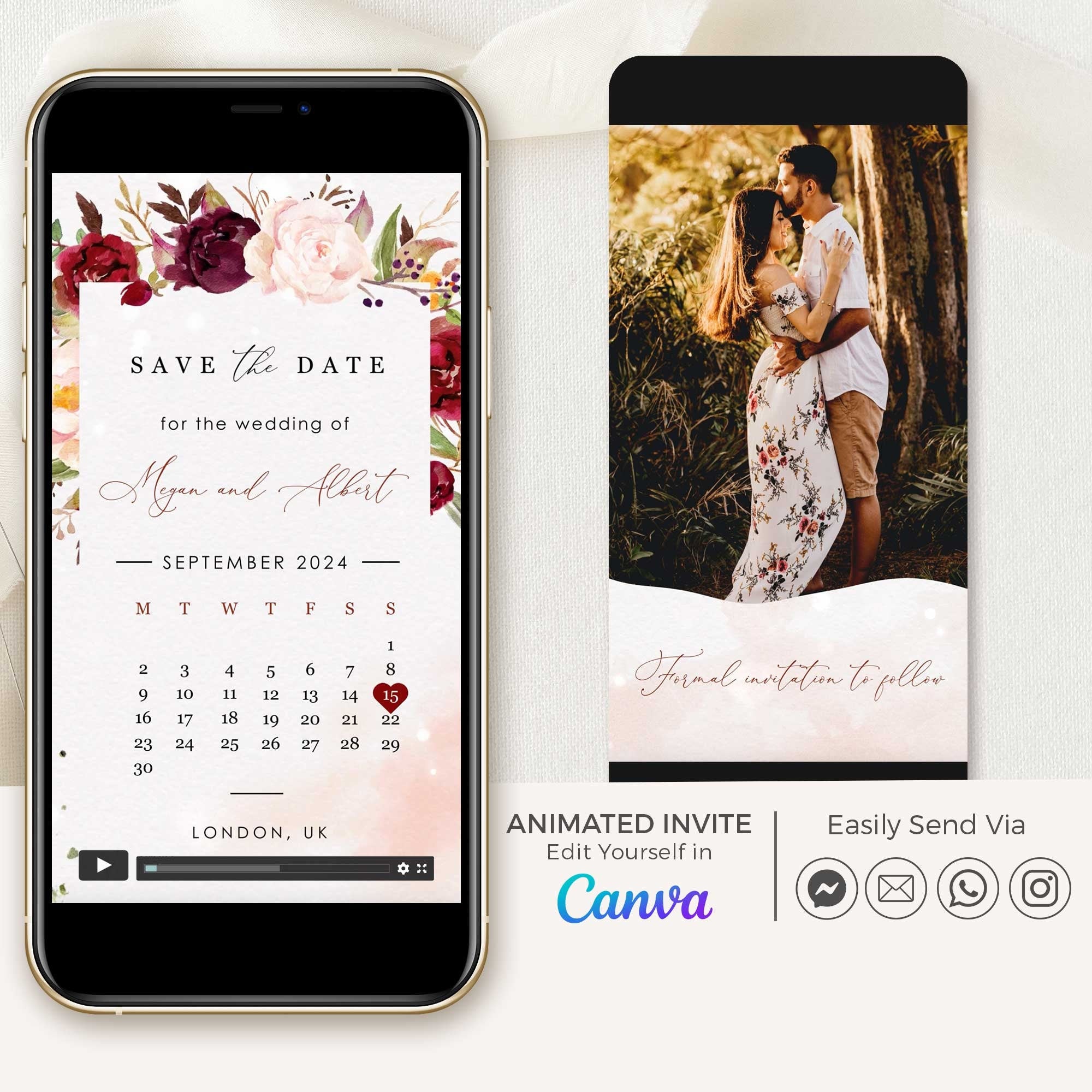
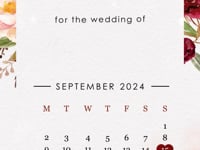
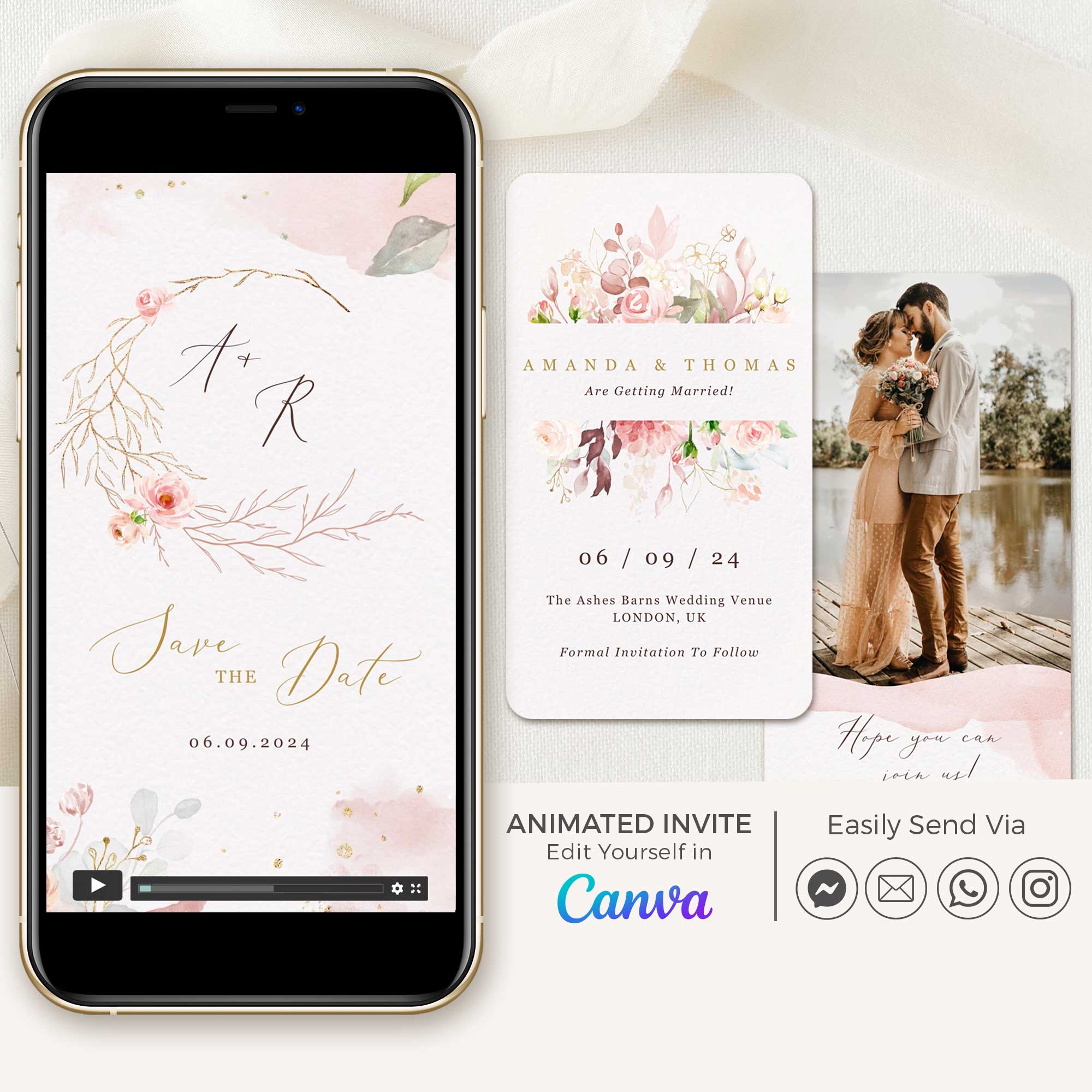
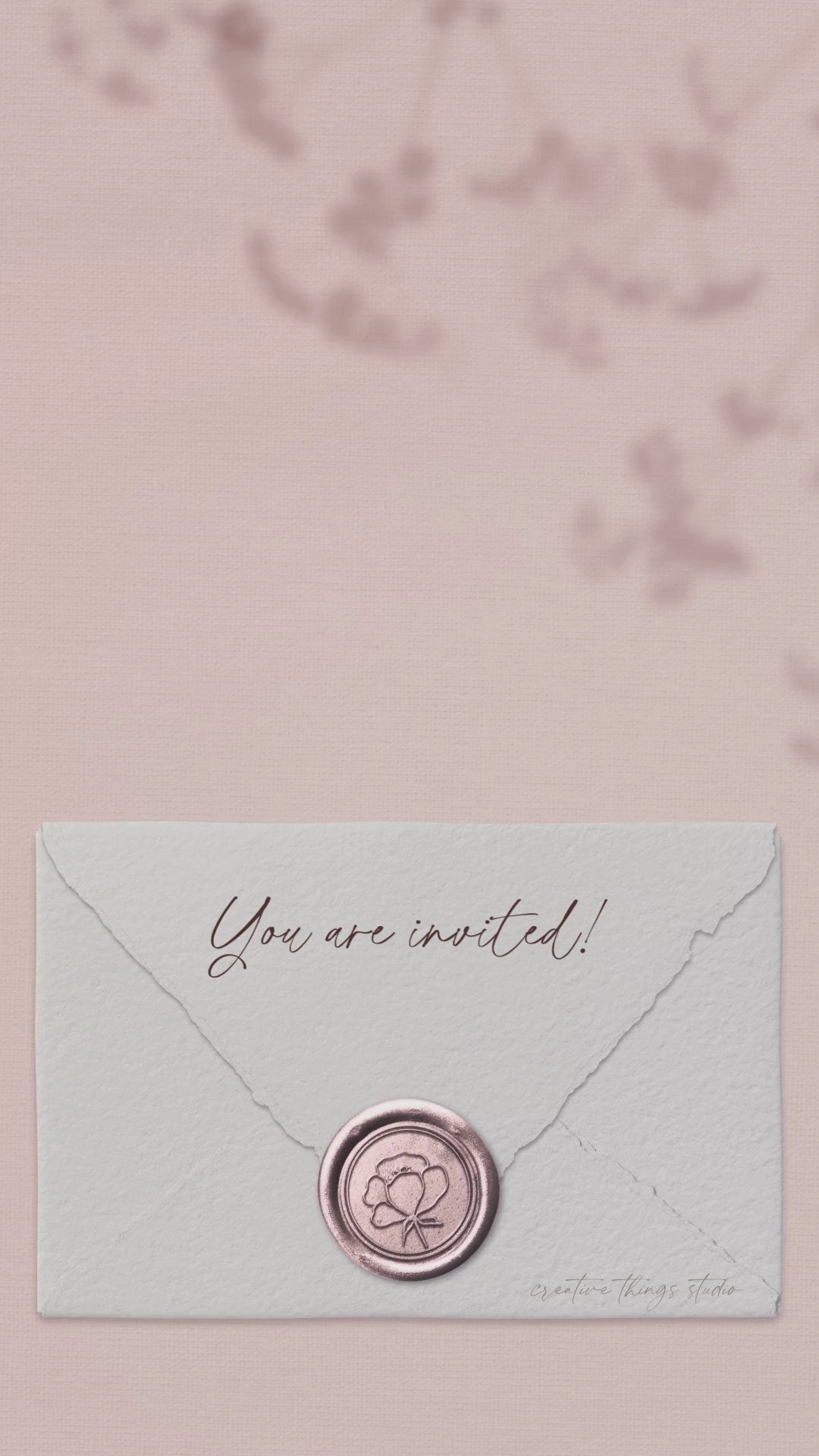
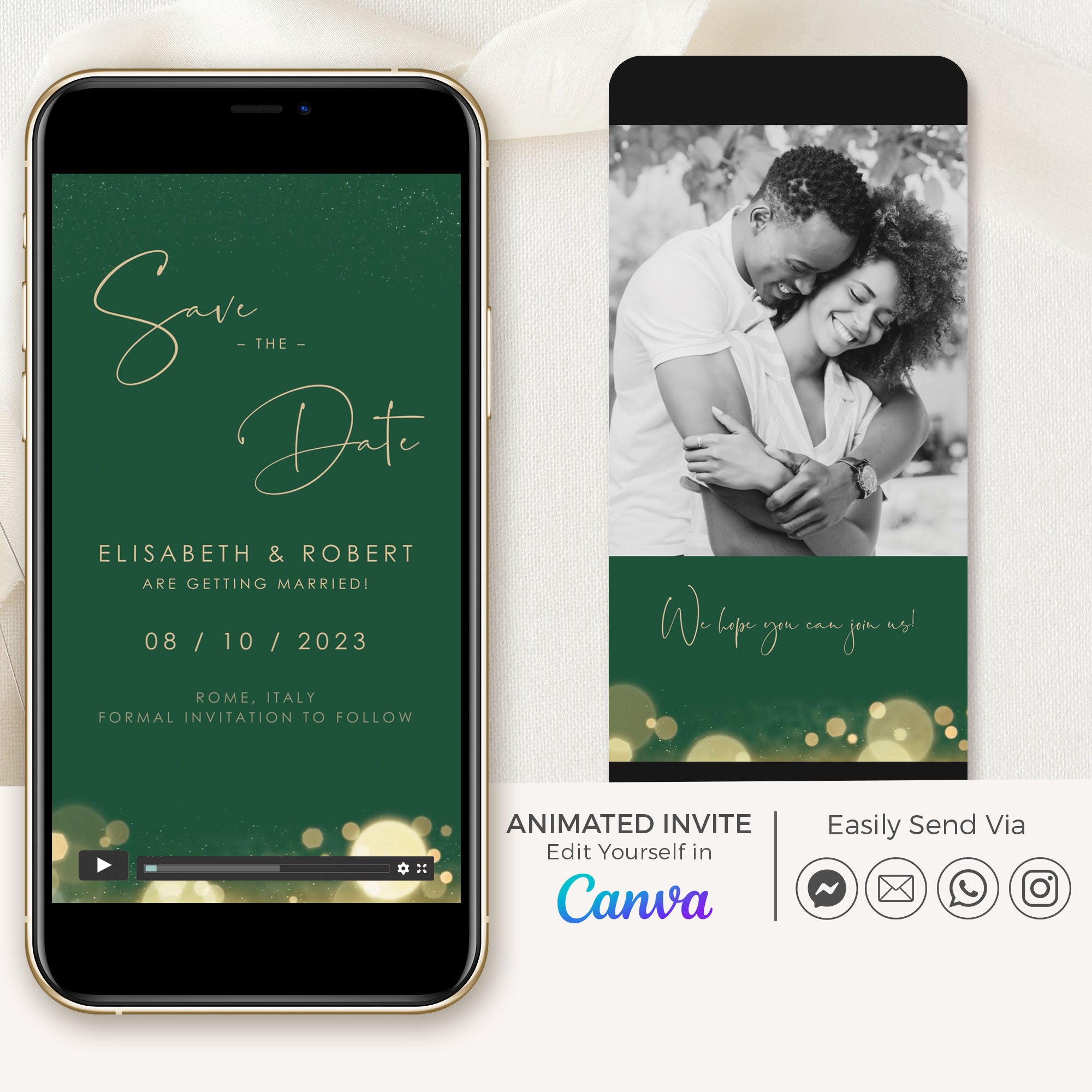
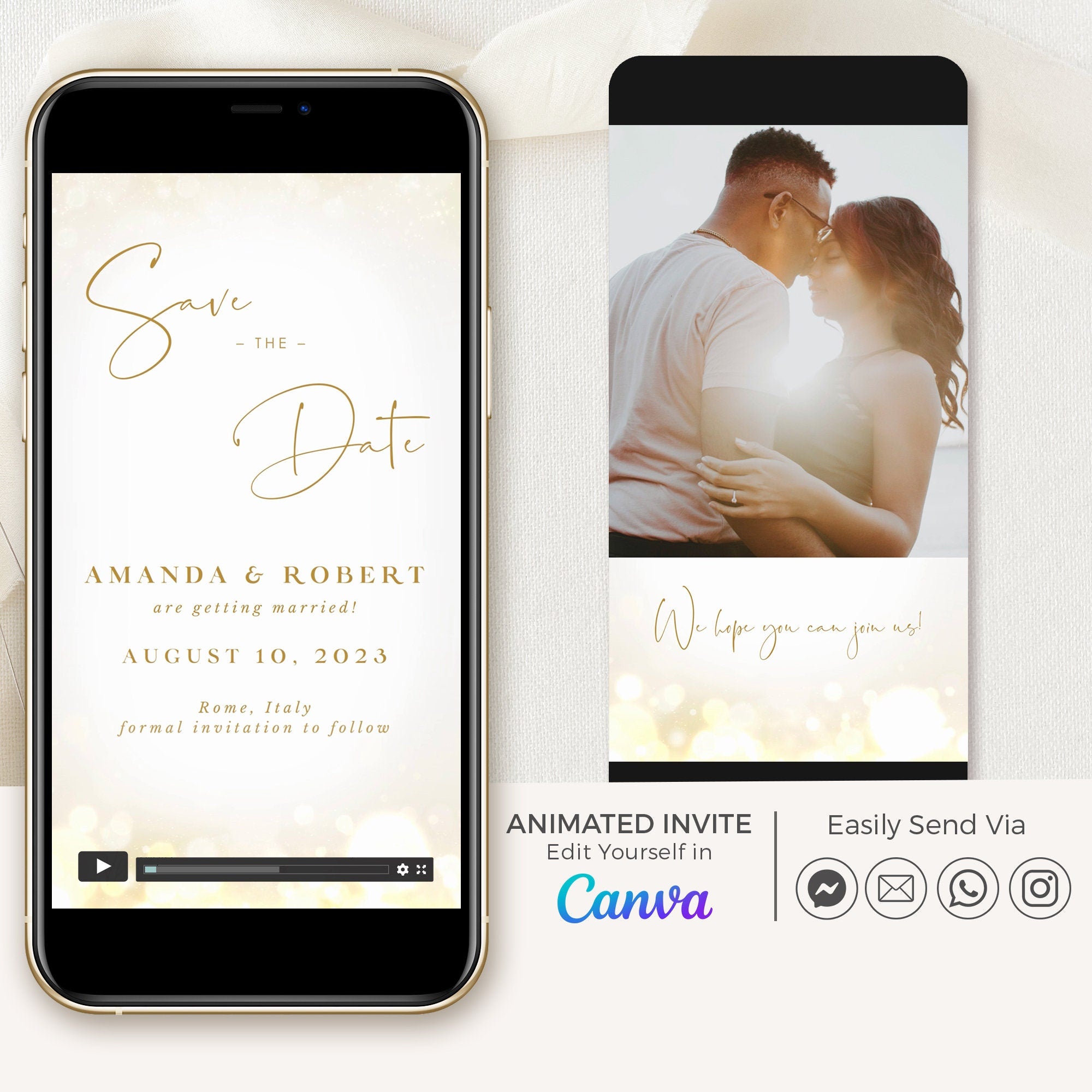

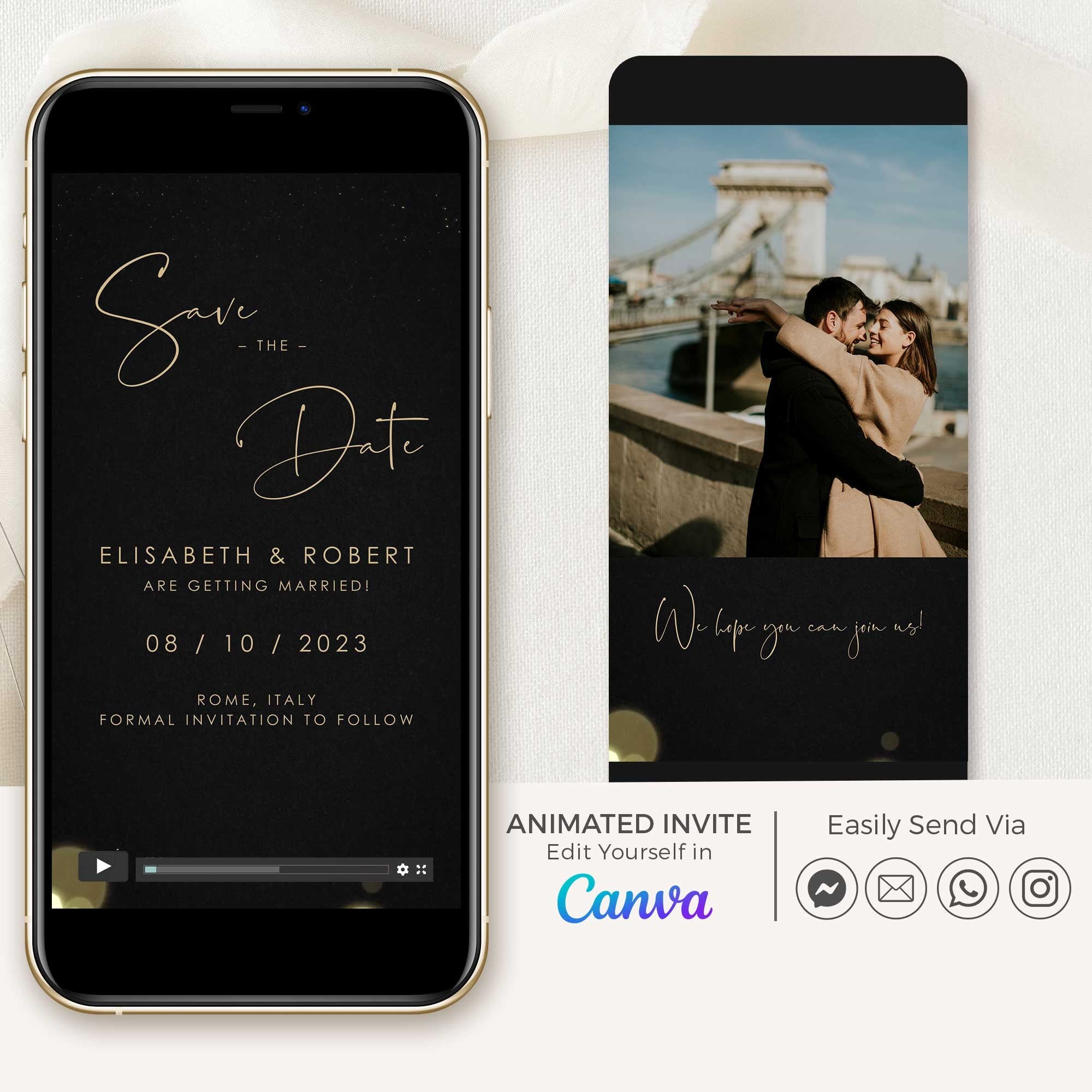
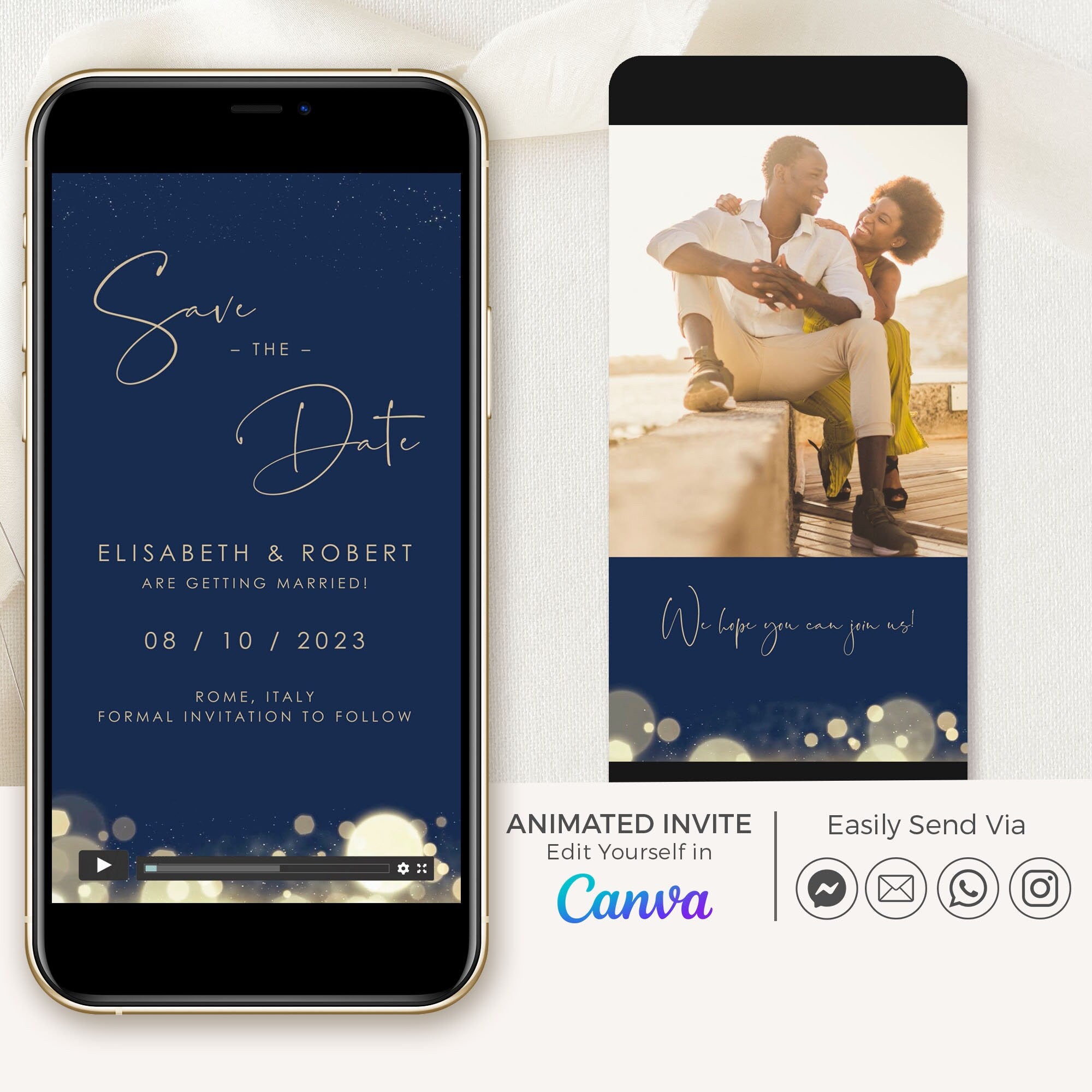
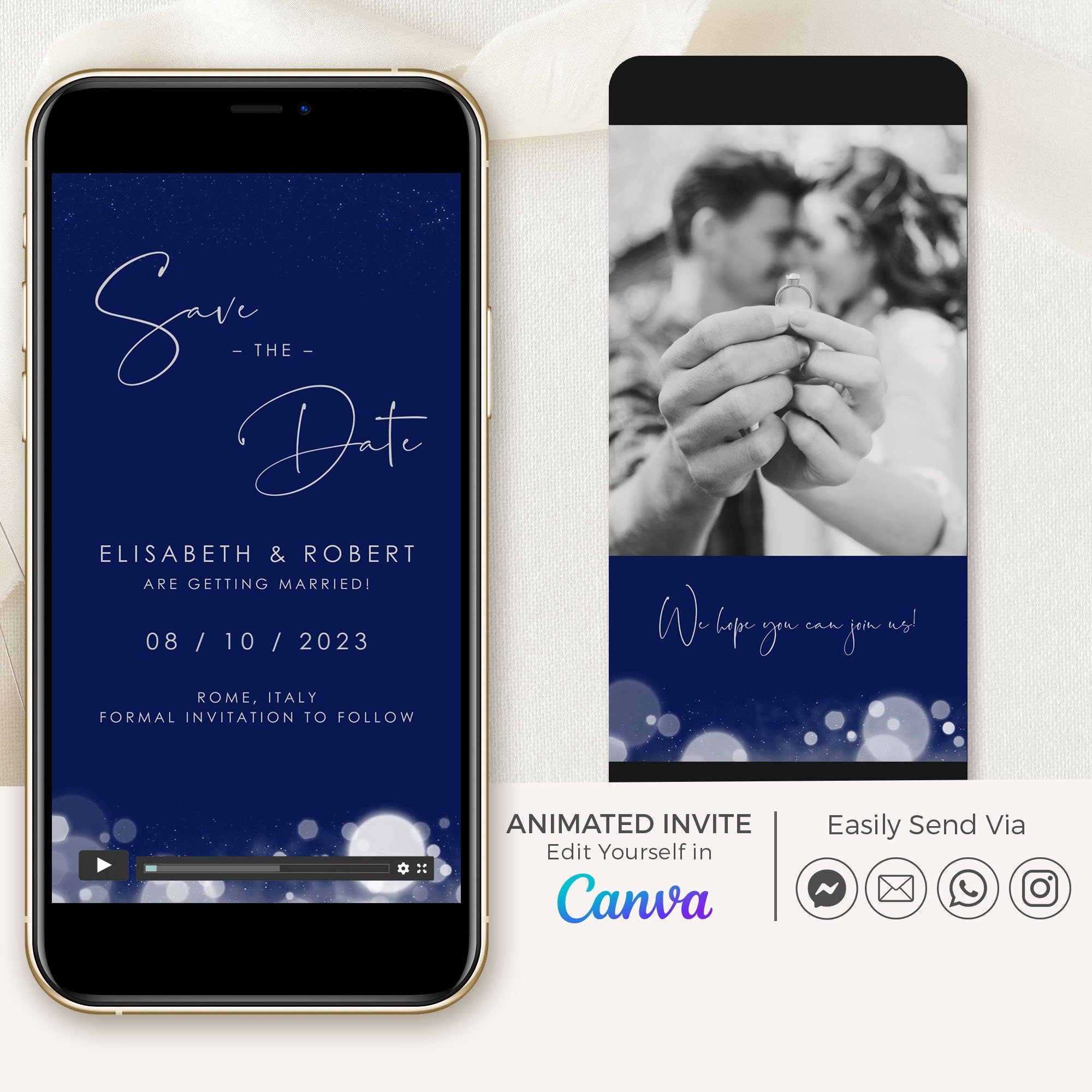
ANITA Save the Date Video
ANITA Save the Date Video
Black & Gold
$25.00 USD
10 colors available


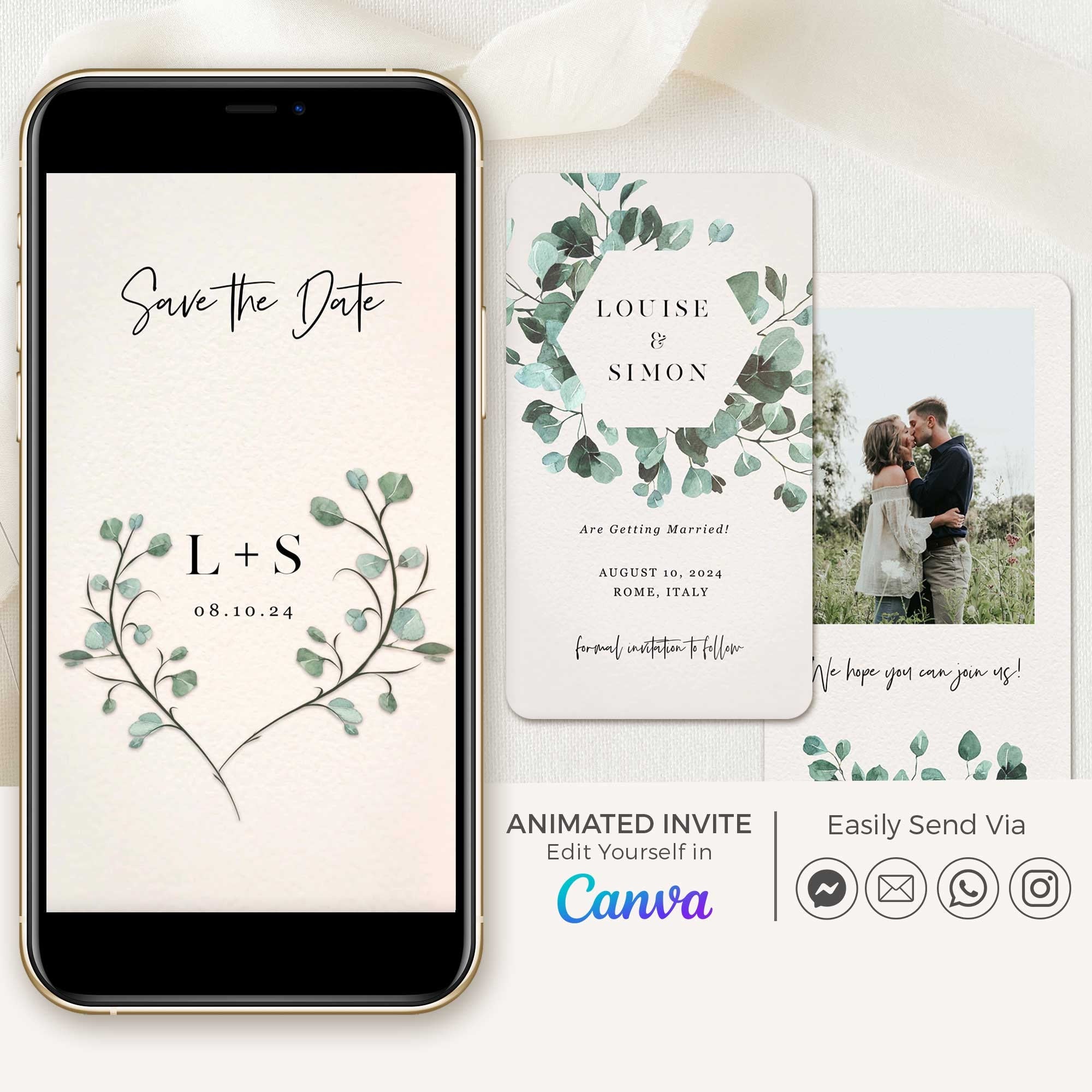

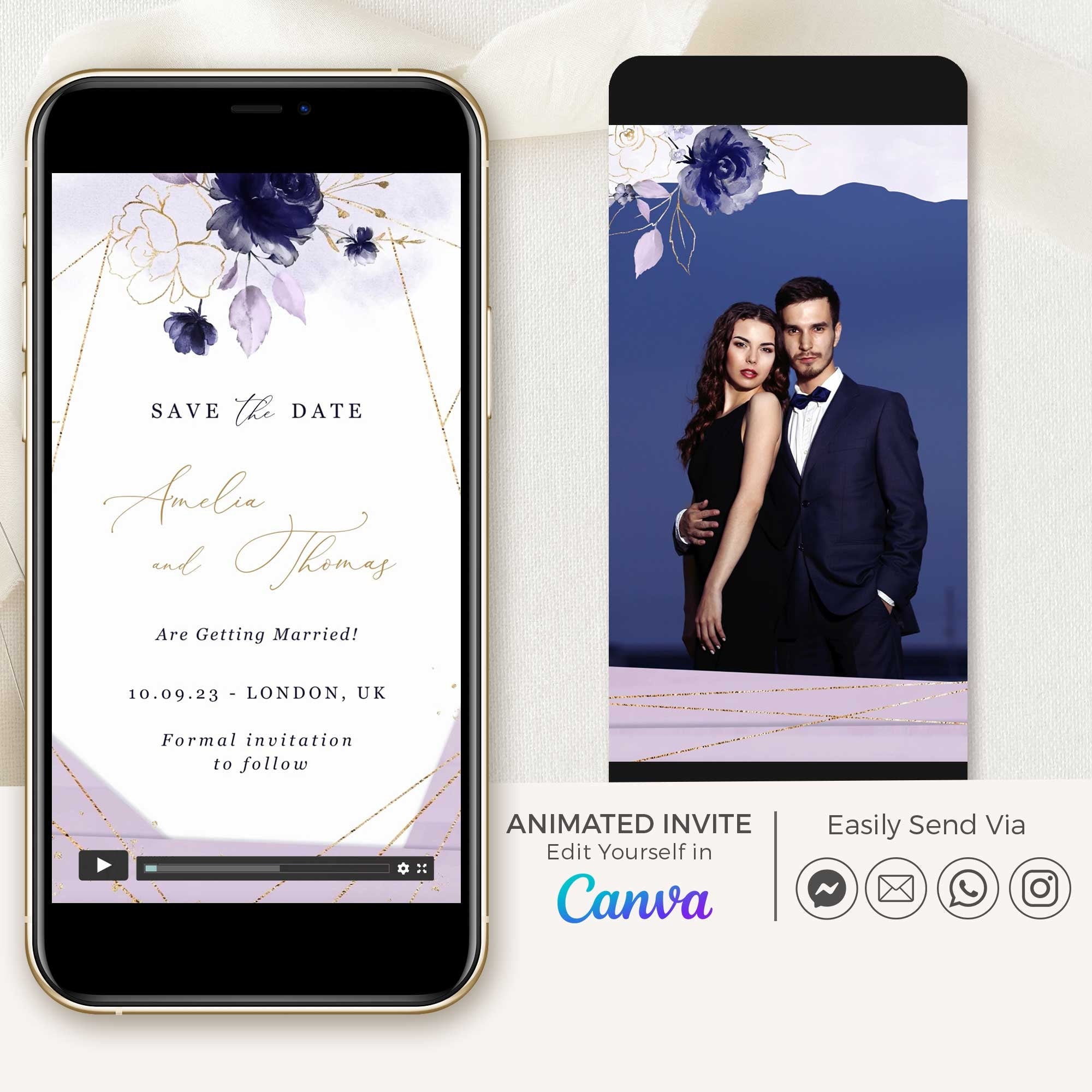
ANITA Save the Date Video
ANITA Save the Date Video
White & Gold
$25.00 USD
10 colors available
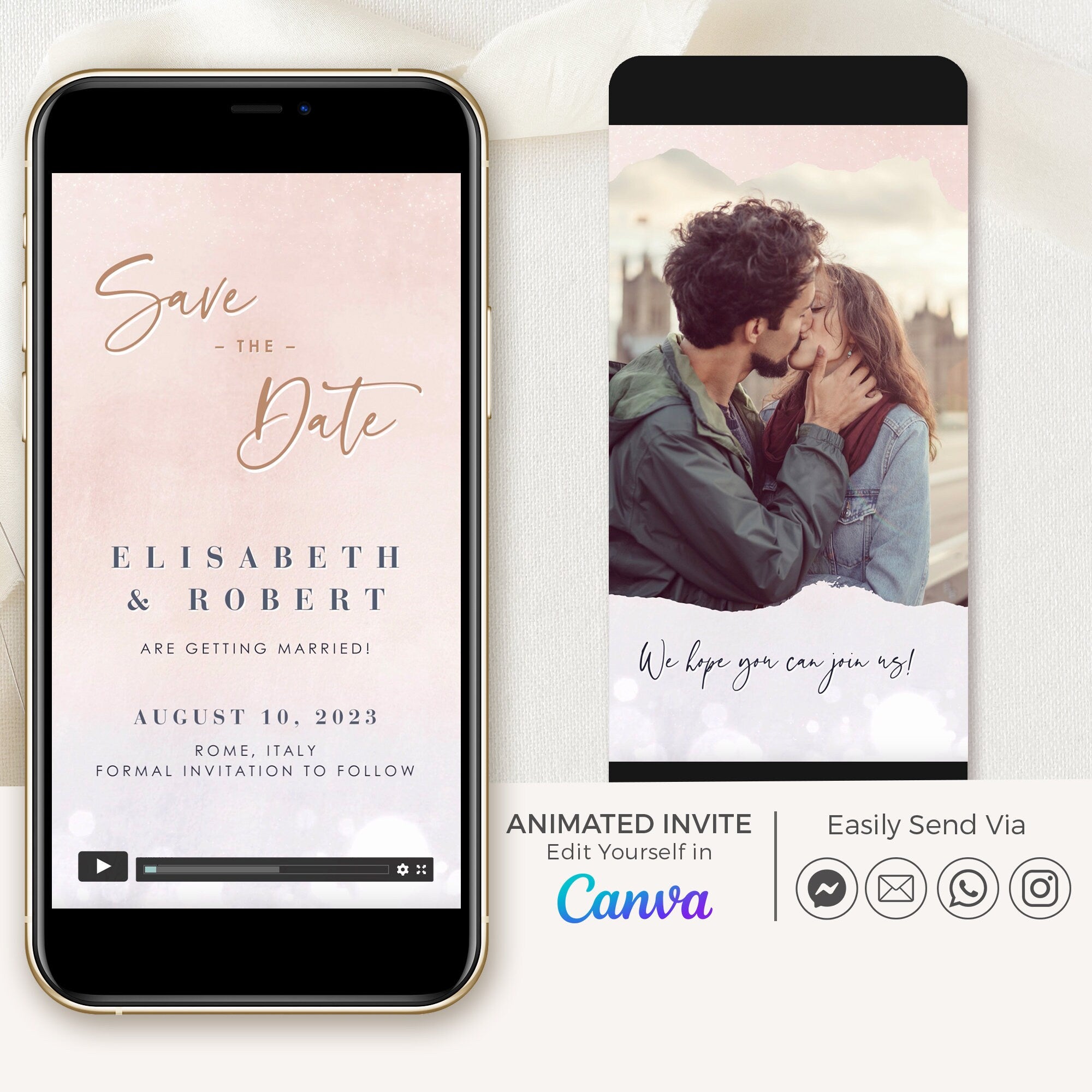

ANITA Save the Date Video
ANITA Save the Date Video
Blush & Lilac
$25.00 USD
10 colors available

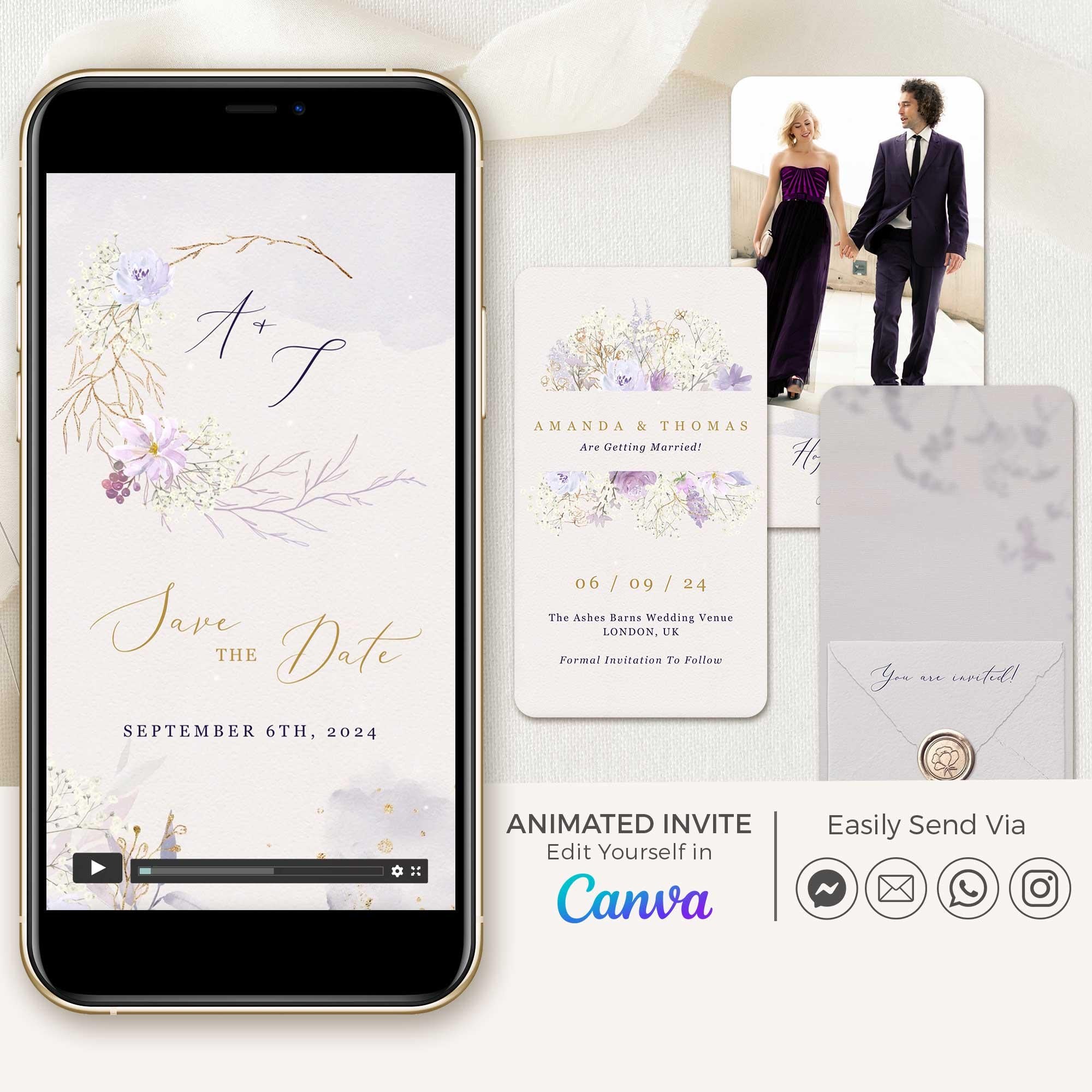

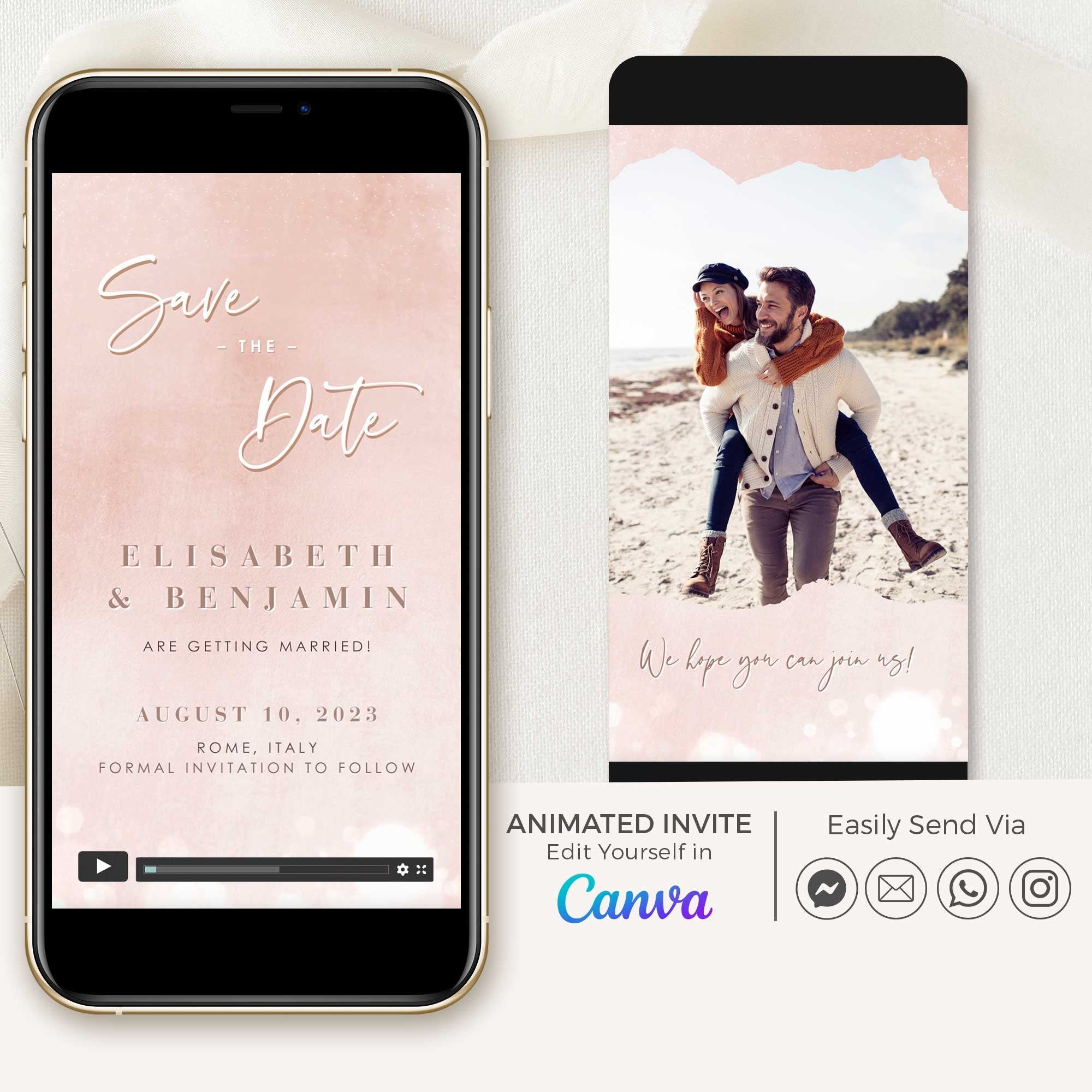
ANITA Save the Date Video
ANITA Save the Date Video
Rose Gold
$25.00 USD
10 colors available

ANITA Save the Date Video
ANITA Save the Date Video
Navy & Gold
$25.00 USD
10 colors available
ANITA Save the Date Video
ANITA Save the Date Video
Blue & Silver
$25.00 USD
10 colors available
Passport Save the Date Video
Passport Save the Date Video
Black
$32.00 USD
10 colors available
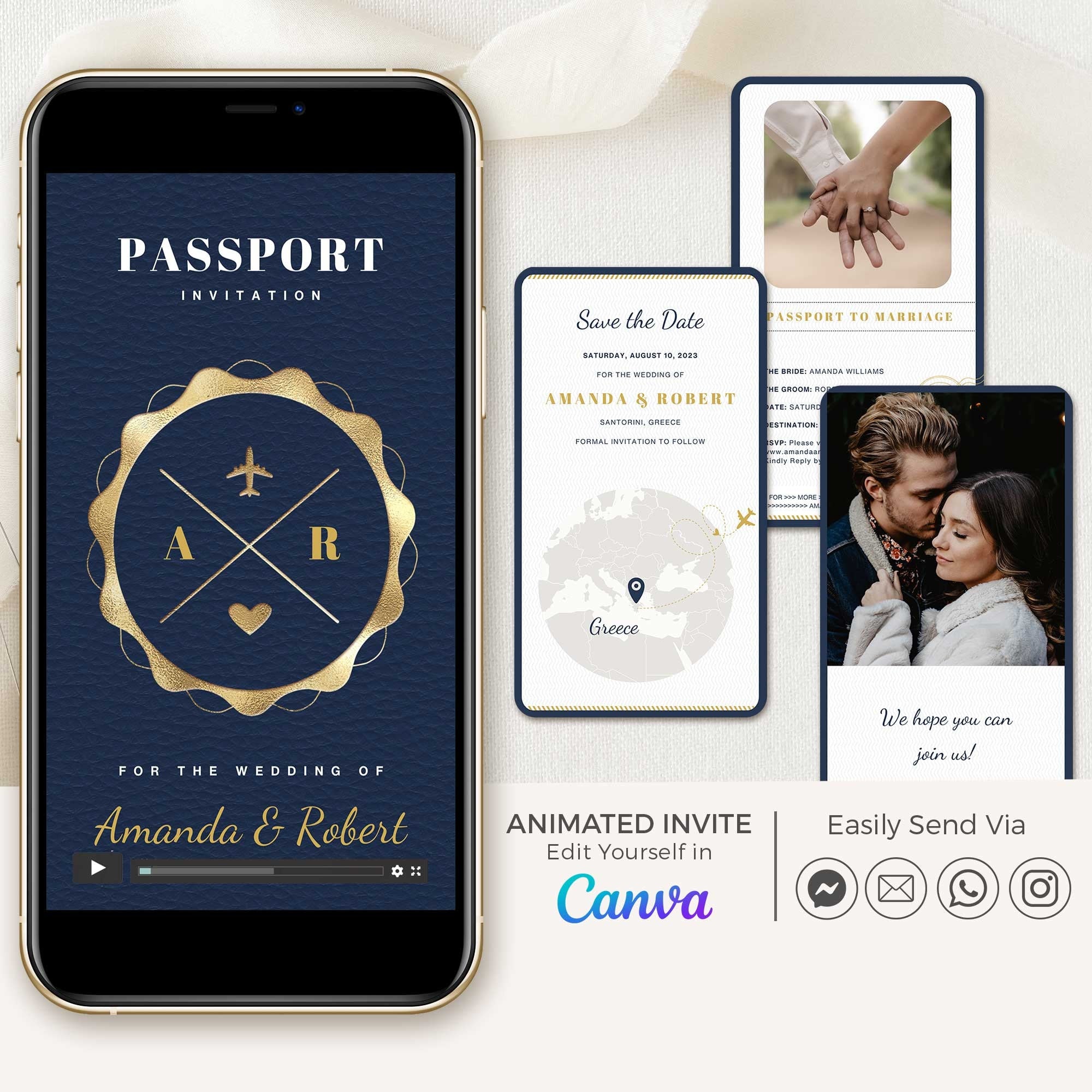
Passport Save The Date Video
Passport Save The Date Video
Blue Navy
$32.00 USD
10 colors available

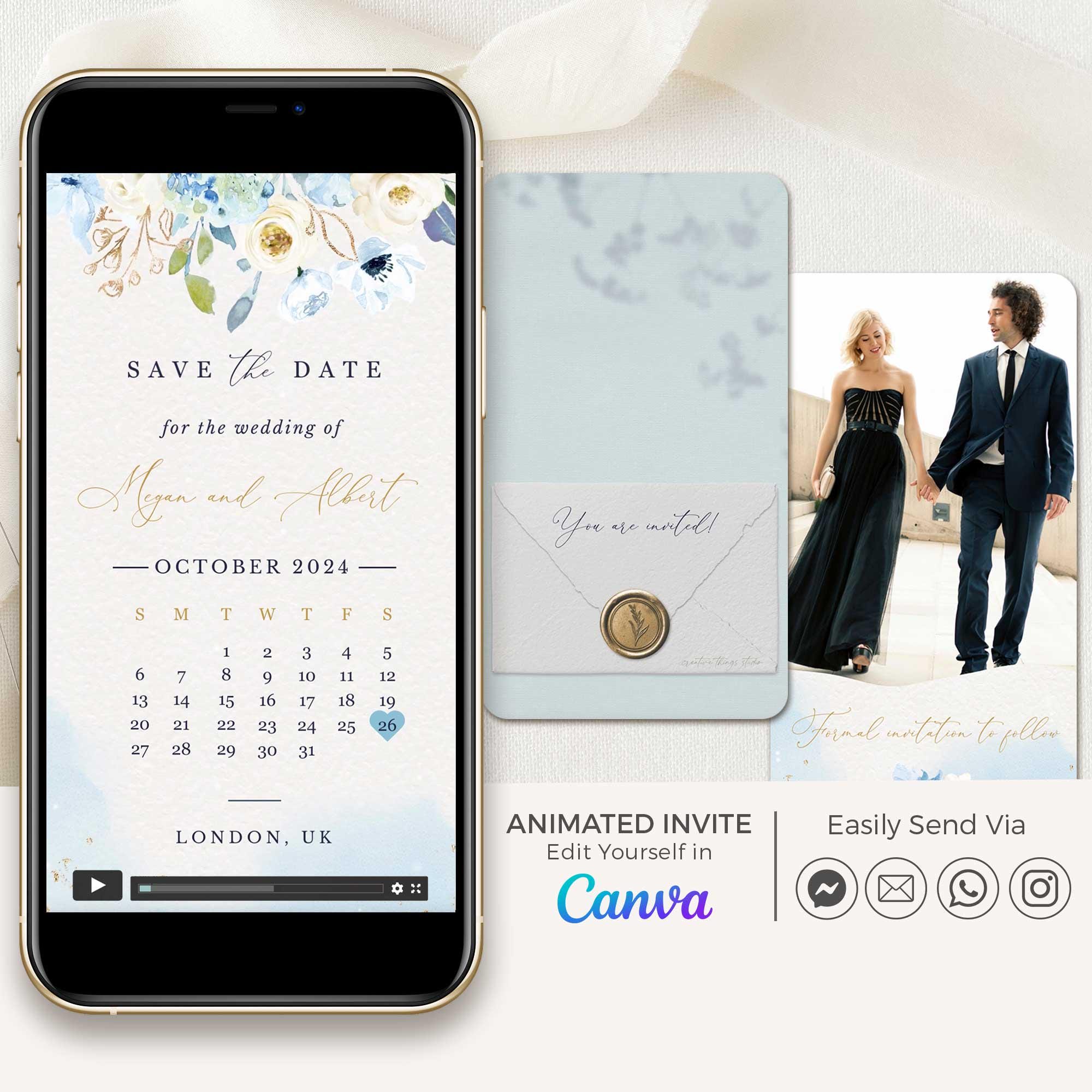
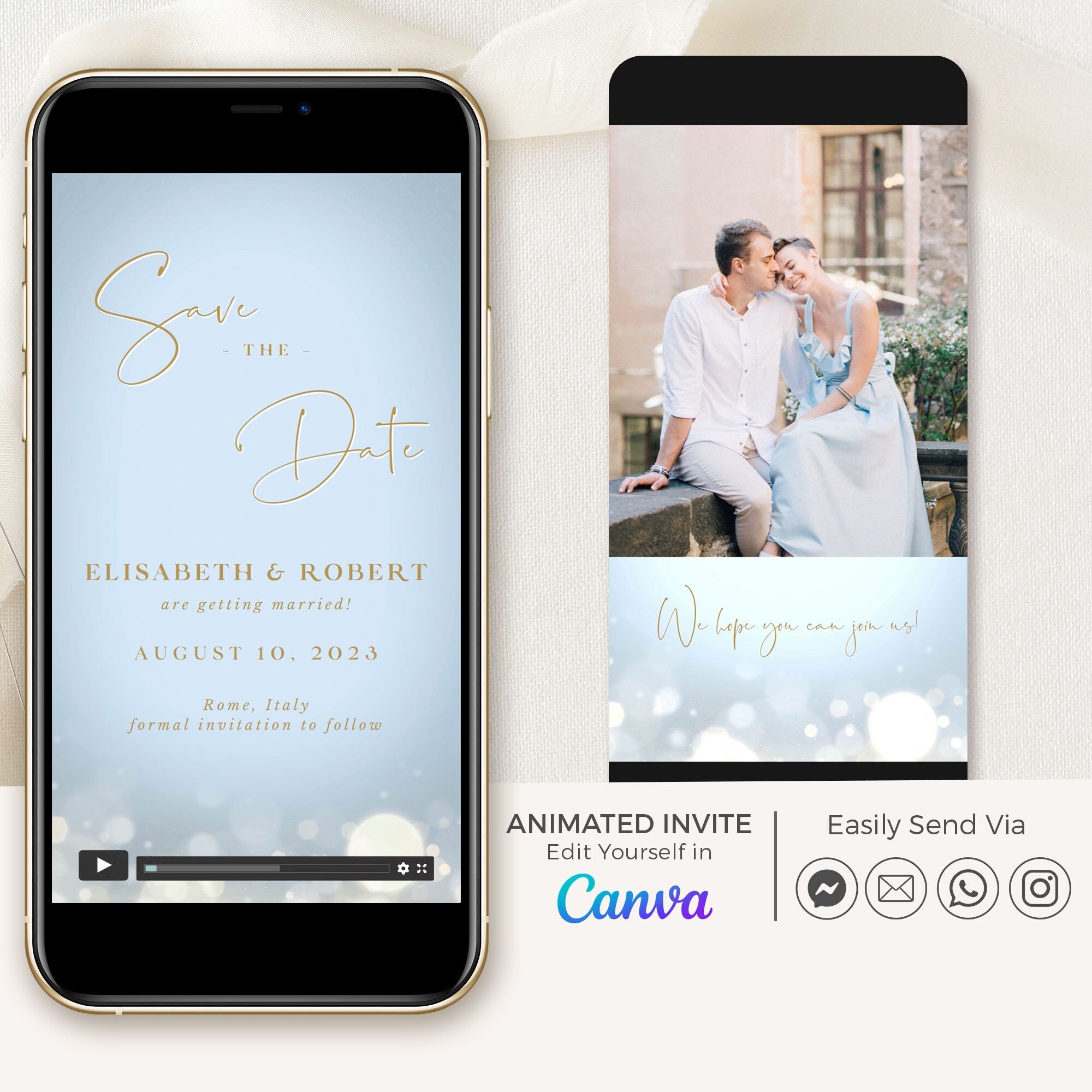

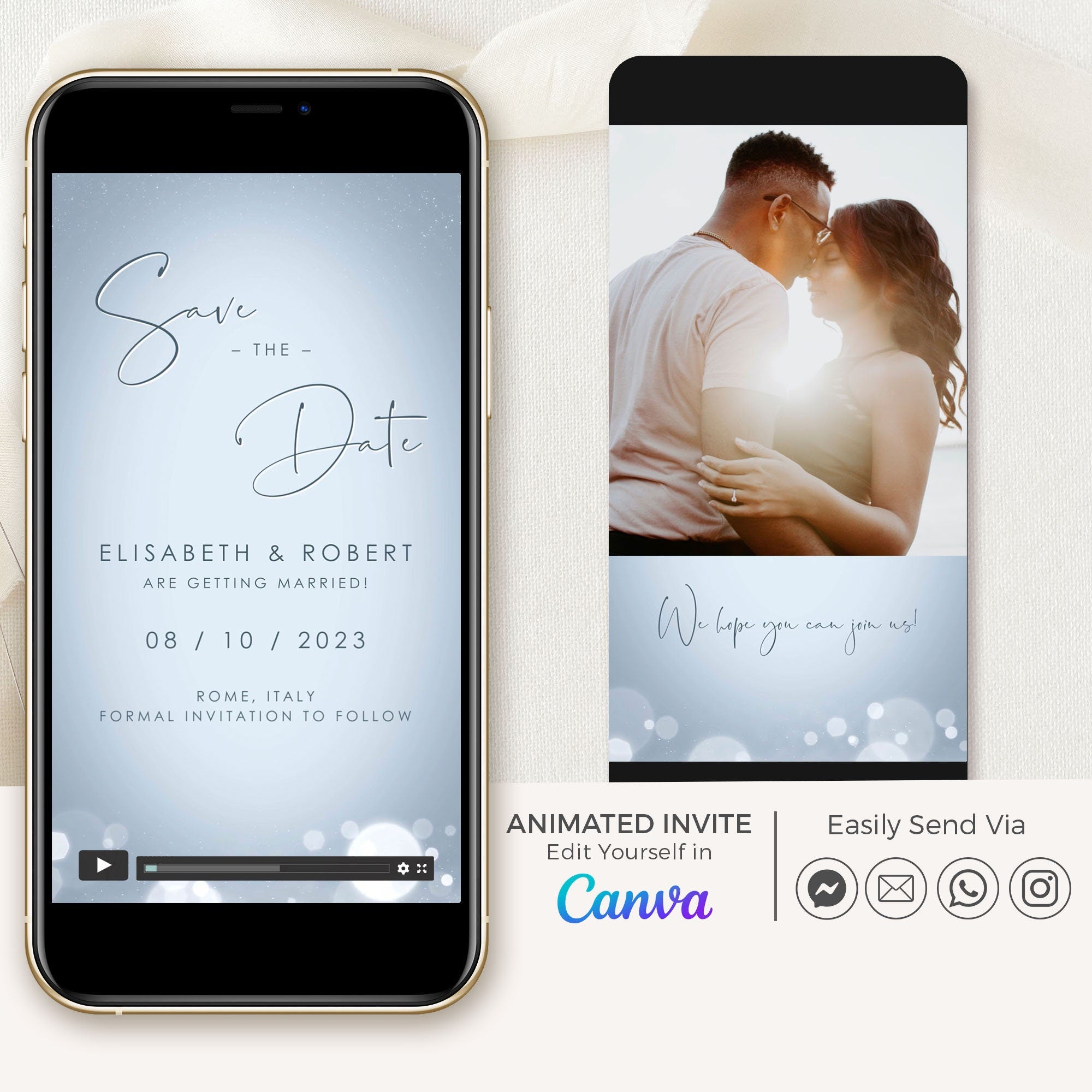

Passport Save the Date Video
Passport Save the Date Video
Dusty Blue
$32.00 USD
10 colors available
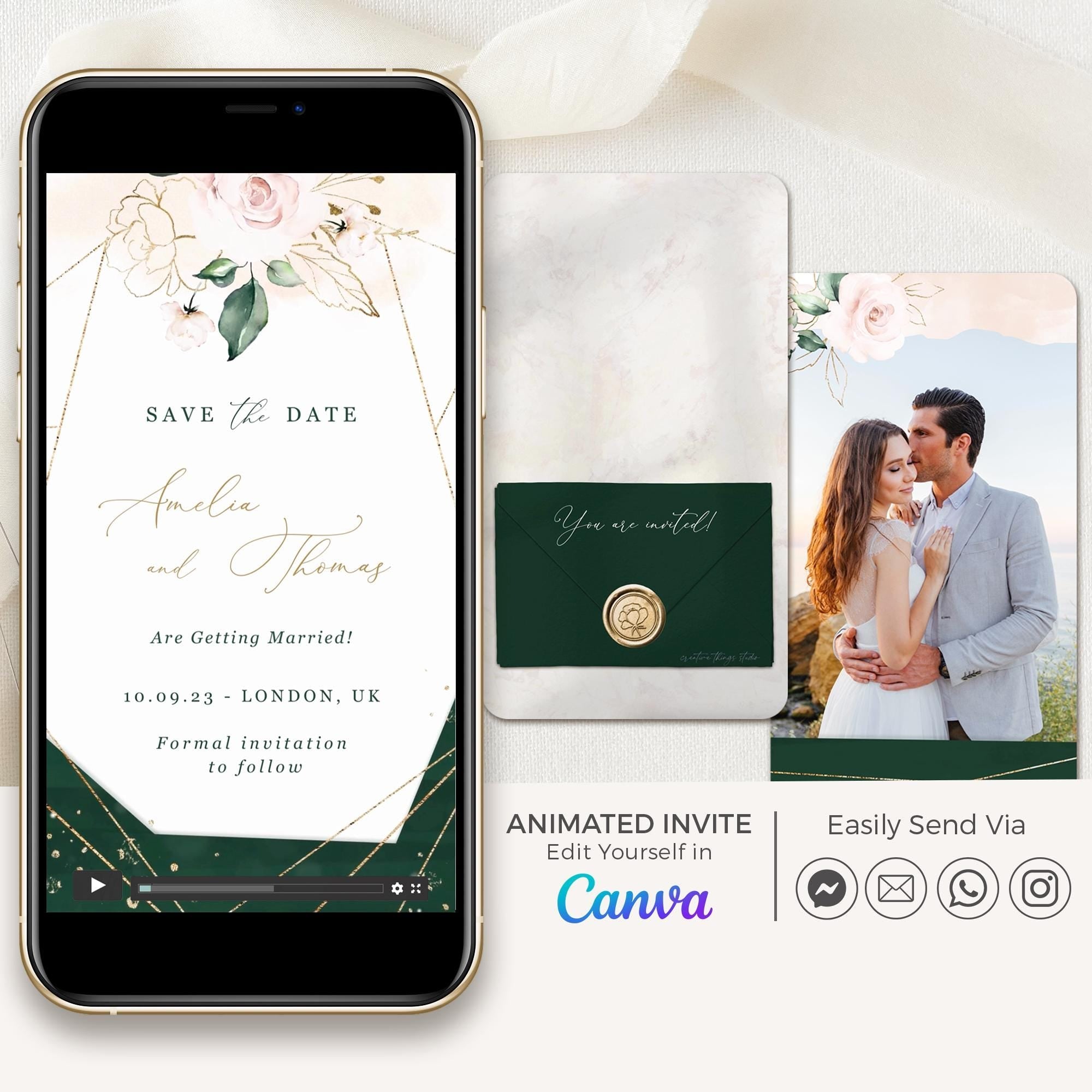
ANITA Save the Date Video
ANITA Save the Date Video
Emerald Green
$25.00 USD
10 colors available
Passport Save the Date Video
Passport Save the Date Video
Sage Green
$32.00 USD
10 colors available
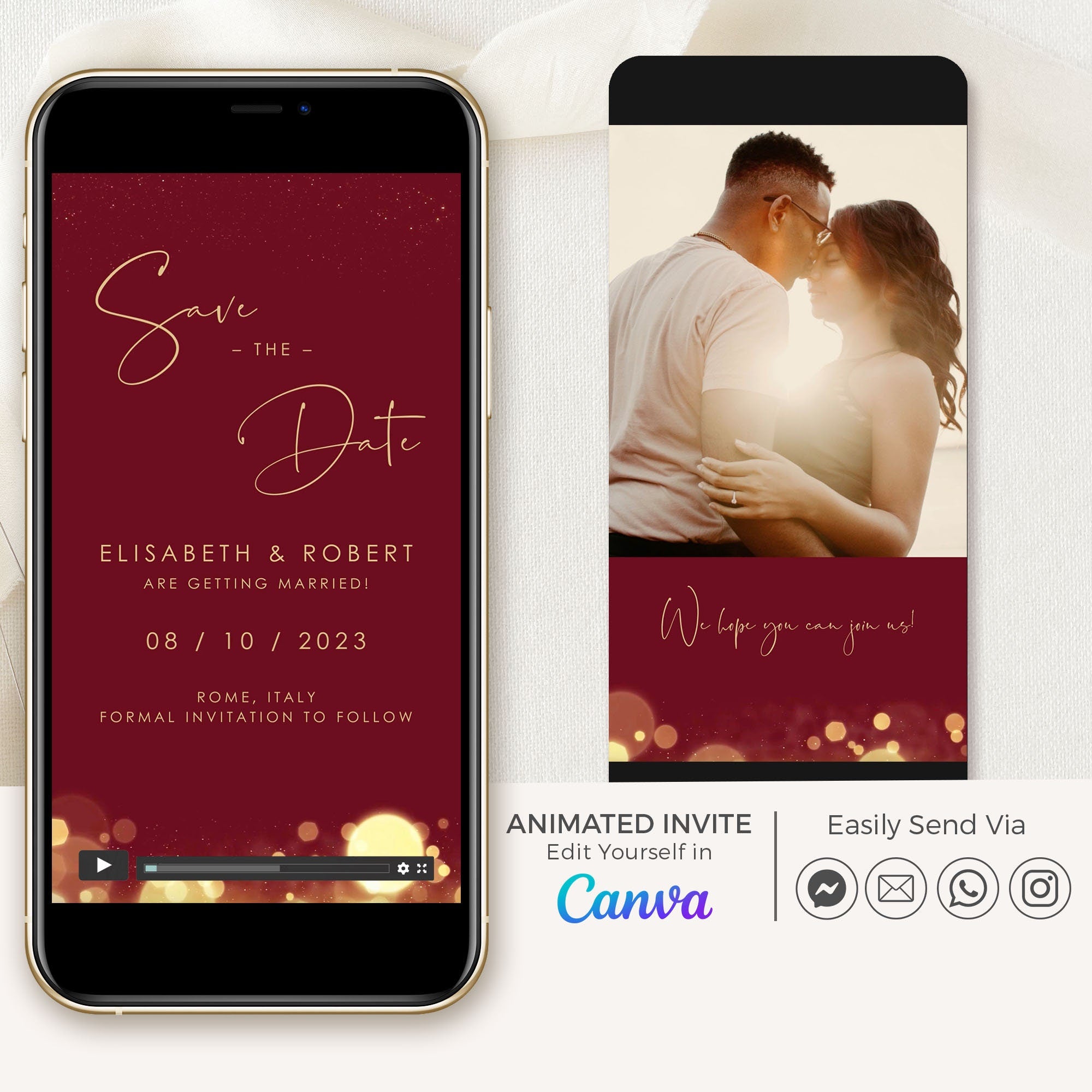
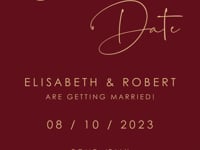
ANITA Save the Date Video
ANITA Save the Date Video
Burgundy
$25.00 USD
10 colors available

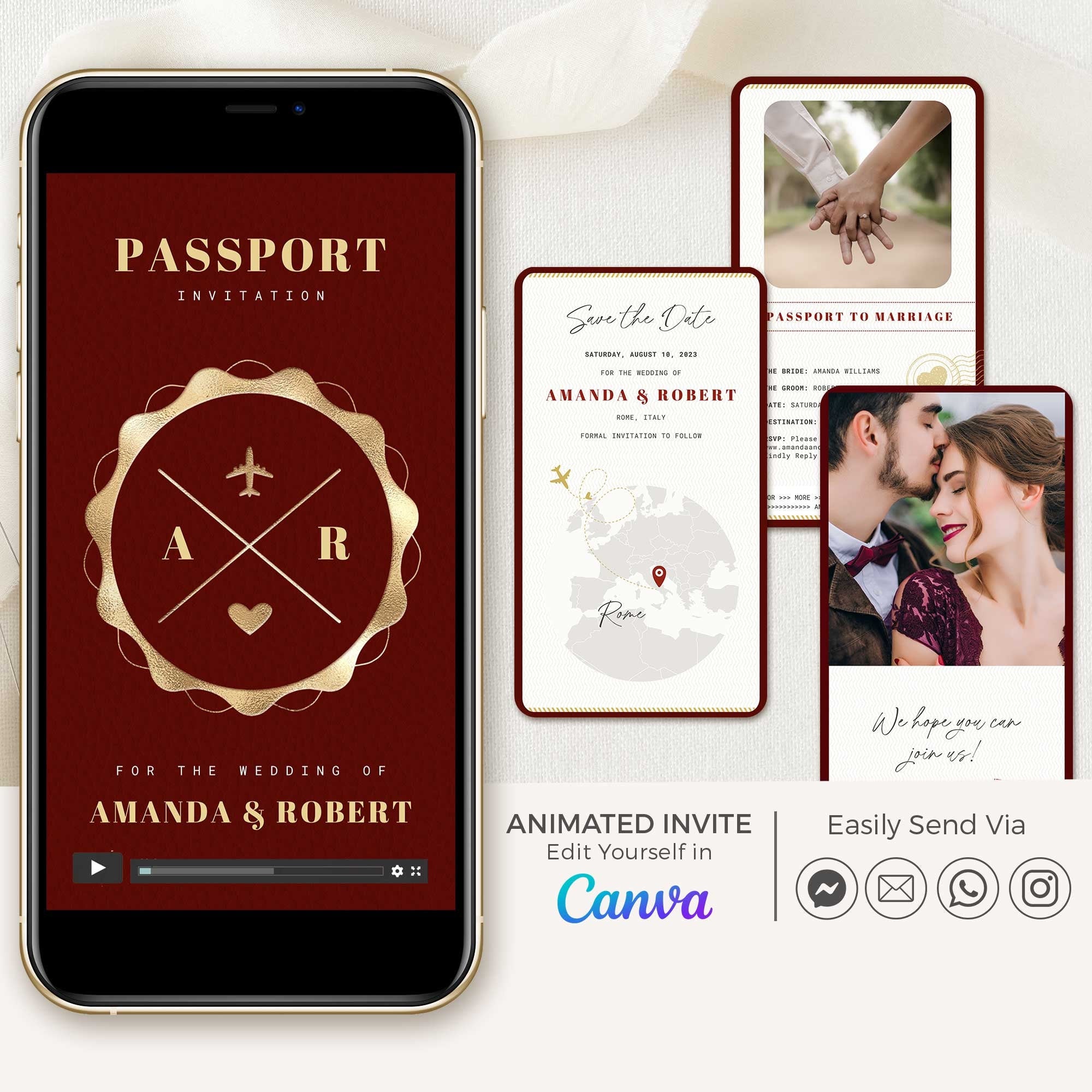

Passport Save The Date Video
Passport Save The Date Video
Burgundy
$32.00 USD
10 colors available

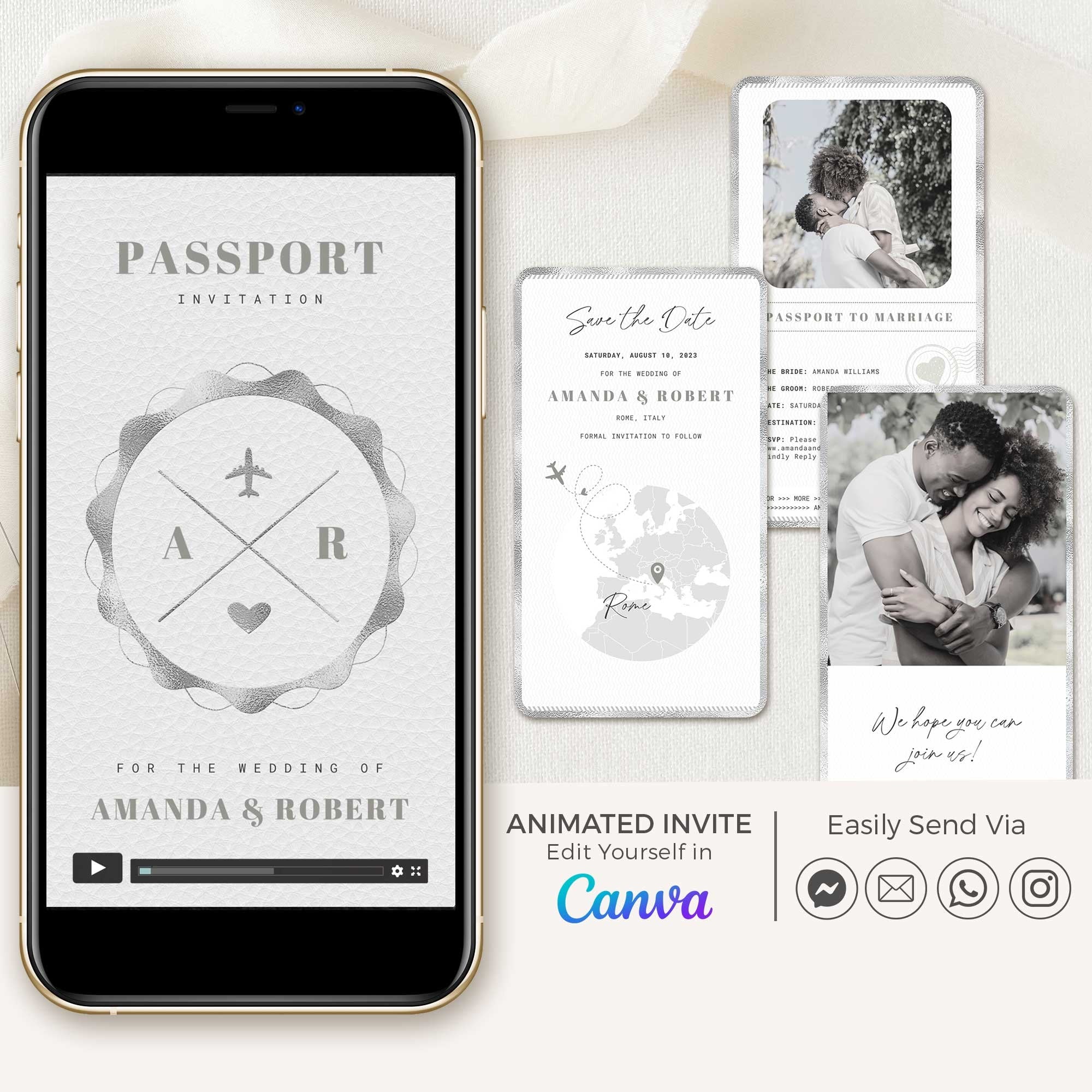

Passport Save The Date Video
Passport Save The Date Video
Silver
$32.00 USD
10 colors available

Passport Save the Date Video
Passport Save the Date Video
Rose Gold
$32.00 USD
10 colors available