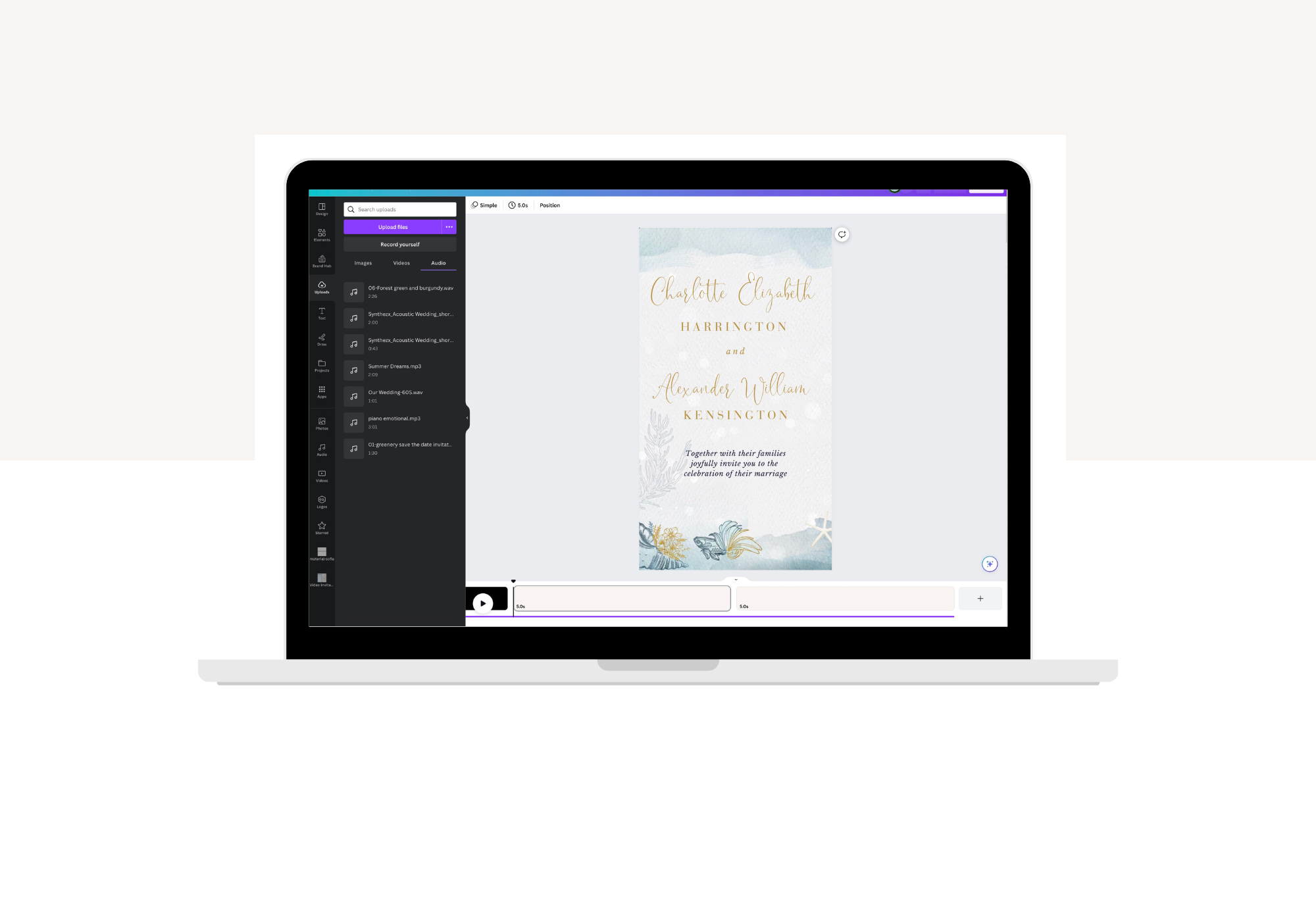
how to edit your video invite template in Canva

How to Edit Your Animated Invitation Template in Canva

Posted by Marianna Di Franco on

How to Edit from a desktop computer

In this video, I will guide you on effortlessly editing a video template using Canva. You can find these animated invitation video templates in our shop – Creative Things Studio | studiocreativethings.com

Chapters:

Copy the Template: 00:11
The video Editor Interface: 00:48
Text Editing: 01:33
Upload Your Photo & Music: 02:07
Insert Your Photo: 02:27
Adjust the Clip’s Speed: 02:39
Control the Text Timing: 03:08
Edit Music: 03:35
Export Your Video: 04:10


Older Post Newer Post

Tutorials & Instructions

RSS

Tags

How to Create a Live Countdown Timer in Canva (Step-by-Step)
Canva website wedding website

How to Create a Live Countdown Timer in Canva (Step-by-Step)

Marianna Di Franco
By Marianna Di Franco

If you're creating your Canva wedding website, online save the date, or even a digital wedding invitation, you might be wondering how to add a...

Read more
How to Edit the Sofia Destination Wedding Website Template in Canva
Canva website wedding website

How to Edit the Sofia Destination Wedding Website Template in Canva

Marianna Di Franco
By Marianna Di Franco

If you’ve just purchased your Sofia Destination Wedding Website template — welcome! In this guide, I’ll show you exactly how to open, edit, and publish your...

Read more
Marianna - Creative Things Studio

About the Author

Marianna is the founder of Creative Things Studio, where wedding invitations do more than announce a date—they bring your vision to life. With over a decade of experience in animation and graphic design, she turned her passion for art and storytelling into crafting beautifully designed wedding invitations and stationery templates that are both elegant and effortless.

Whether animated or printable, her goal is to help couples create stunning, stress-free invitations that reflect their style and personality—without the overwhelm.